Wunderlist Alternative: Week Plan vs Microsoft To Do
Published: November 19, 2026
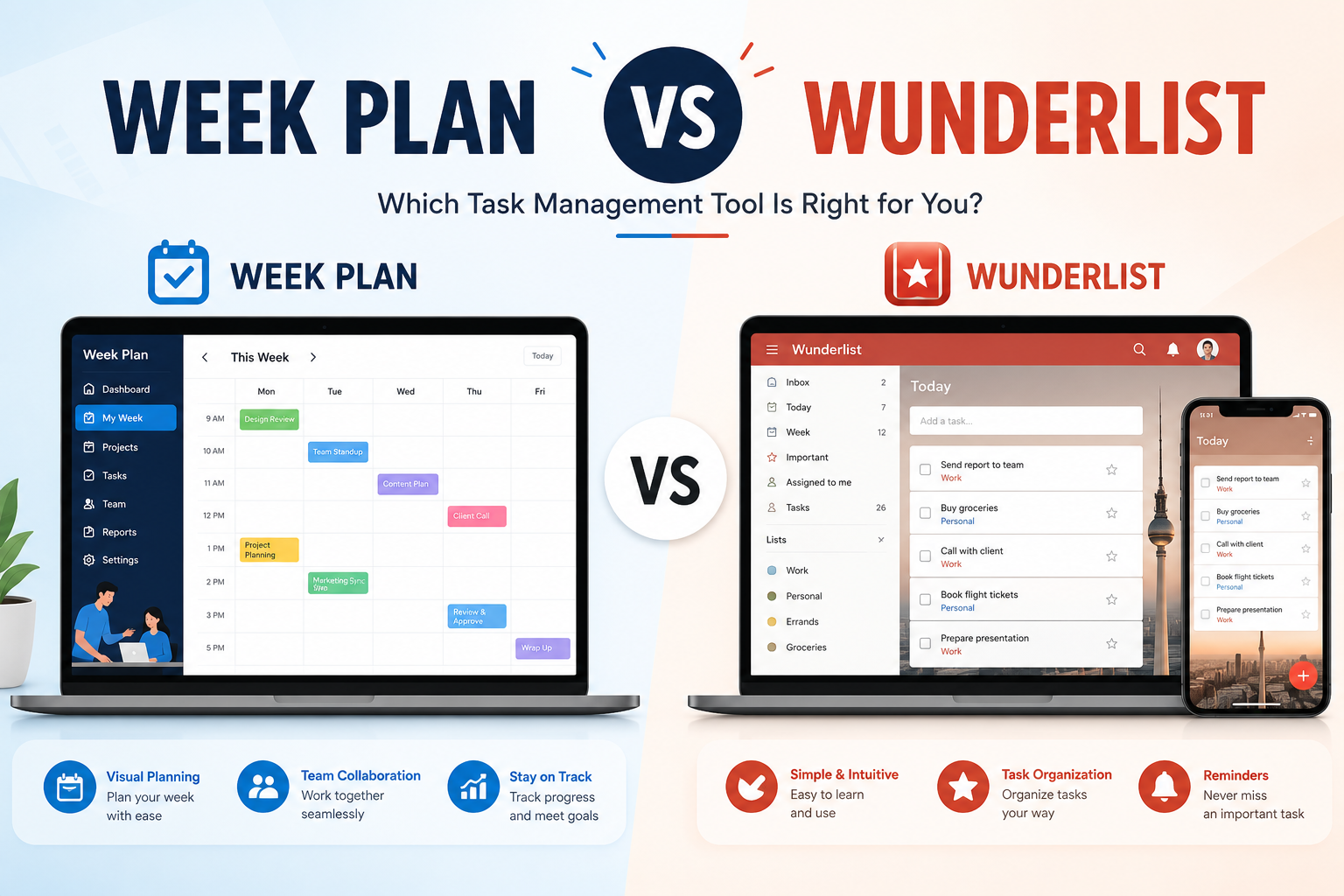
Wunderlist is gone: Microsoft, which bought its maker 6Wunderkinder in 2015, shut the app down on May 6, 2020, and pointed users to Microsoft To Do. If you loved Wunderlist for its simple, free lists, Microsoft To Do is its natural successor and probably the right answer. If you have outgrown a list and want to plan your whole week around what matters, Week Plan, a weekly planner built on Stephen Covey's 7 Habits, is worth comparing.
What happened to Wunderlist
Microsoft announced the shutdown in December 2019. On May 6, 2020 sync stopped, and users were asked to import their lists into Microsoft To Do, which Microsoft built as the replacement. To Do is still active today. Microsoft's newer task work is going into Planner, Teams and Copilot, and the Tasks app in Teams combines To Do and Planner, but no retirement of To Do has been announced.
So this page compares the two realistic options for a former Wunderlist user in 2026: Microsoft To Do and Week Plan.
At a glance
| Week Plan | Microsoft To Do | |
|---|---|---|
| Price (paid) | $10.83/mo, or $104/yr ($8.67/mo); $399 lifetime | No paid tiers |
| Free plan | Yes: Lite keeps the weekly planner, roles and weekly High Impact Tasks | Yes, the whole app is free |
| Trial | 7 days of every feature, no card needed | Not needed |
| Platforms | Web, iOS, Android | Windows, Mac, iOS, Android, web |
| Planning style | Weekly, by role and priority | Daily: My Day list plus lists and a Planned view |
| Goals & roles | Roles (free); OKRs and vision page (paid) | Not a built-in feature we found |
| Weekly review | Guided weekly review (paid) | No |
| Calendar | Google Calendar and Outlook, two-way sync (paid); no iCloud | Tasks shared with Outlook; no Google Calendar integration, per reviewers |
| AI | Break Down a task, Excuse Killer (paid), plan generation at sign-up | Suggestions in My Day |
| Teams | Up to 10 users, at 3x the single price | List sharing; team planning lives in Microsoft Planner |
Where Microsoft To Do is stronger
- Free, with no paid tier. Everything is included at no cost.
- Closest to Wunderlist. Simple lists, and Wunderlist users were given an official import path when the app closed.
- More platforms. Native Windows and Mac apps besides iOS, Android and the web.
- Microsoft 365 fit. Tasks are shared with Outlook, and flagged emails become tasks.
- My Day. A short daily focus list that resets each night, with suggestions for unfinished, due and overdue tasks.
Where Week Plan is stronger
- A week, not just a day. My Day helps you pick today's tasks. Week Plan lays out the whole week in day columns, so you can spread work out and see when a week is overbooked. See our weekly planner page.
- Roles and goals. Plan by the roles in your life and set weekly High Impact Tasks, both free. On the paid plan, add objectives with key results and a vision page.
- Priorities, not just due dates. The paid Eisenhower quadrant view separates important from urgent, as in Habit 3: Put First Things First.
- Real subtasks and help breaking work down. Subtasks on the paid plan, plus AI Break Down to split a big task into steps. Reviewers note that To Do's "steps" are checklists without their own due dates.
- Google Calendar and Outlook. On the paid plan both calendars sync two ways and show beside your tasks (calendar sync).
Pricing compared
Microsoft To Do is free and has no paid tiers; work or school accounts need an Exchange Online mailbox. Week Plan starts with a 7-day trial of every feature and no card. After that you keep the free Lite plan, or pay for Ultimate at $10.83 a month, $104 a year ($8.67 a month), or $399 once for lifetime access (single user). A team of up to 10 costs 3x the single price. See our pricing page. Prices checked November 2026.
Who should choose which
Choose Microsoft To Do if you:
- Want simple, free lists like Wunderlist had.
- Live in Outlook and Microsoft 365.
- Plan day by day and My Day is enough.
- Need native Windows or Mac apps.
Choose Week Plan if you:
- Want to plan the whole week, not only today.
- Want roles, weekly goals and a weekly review.
- Use Google Calendar, or both Google and Outlook.
- Want subtasks, reminders and repeating tasks in a weekly view (paid).
- Plan with a partner or a small team of up to 10.
Switching to Week Plan
If your Wunderlist lists ended up in Microsoft To Do, here is a calm way to try Week Plan. There is no import tool, so start small.
- Set up your roles. Turn your main lists into roles where it fits ("Work", "Home", "Health"). Our 7 Habits page explains why roles help.
- Move this week's tasks. Copy only what you will do this week. Leave the long lists in To Do.
- Pick your High Impact Tasks. Choose the few tasks that would make this week a success and place them on days first.
- Connect your calendar (paid). Add Google Calendar or Outlook so your meetings show beside your tasks.
- Keep To Do for a week. Use it read-only while you try a weekly review on Friday, then decide.
More comparisons are on our compare page.
Try Week Plan free — 7 days of every feature, then a free plan that keeps working.