
Free Calendar Planner — Your Tasks and Calendar in One View
Stop juggling a calendar in one tab and a to-do list in another. Week Plan shows events and tasks side by side, so plans fit real time. Free to start.
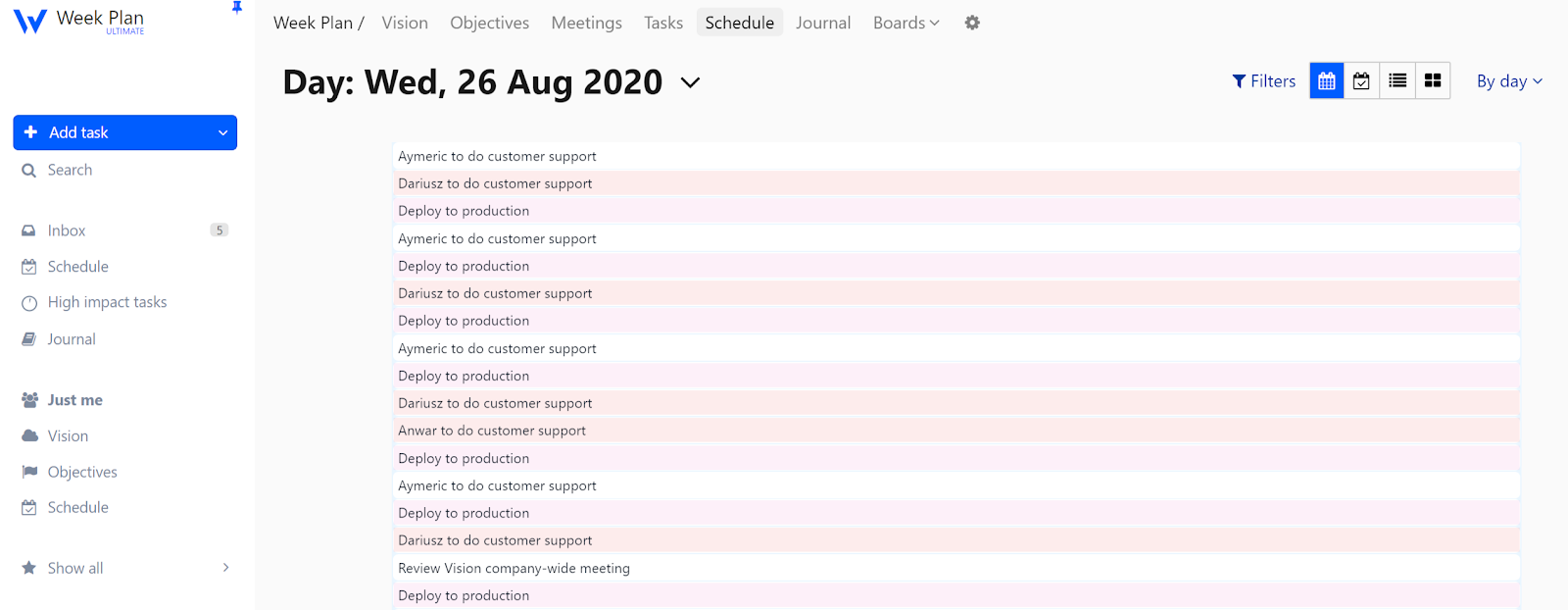 Bring all your scheduled plans to fruition with our calendar planning software. WeekPlan is a personalized and simple personal calendar planner to get more done. Schedule the important tasks and new tasks that you are most likely to forget or resist doing, helping improve time management and maintain work life balance.
Features of Our Calendar Planner Software
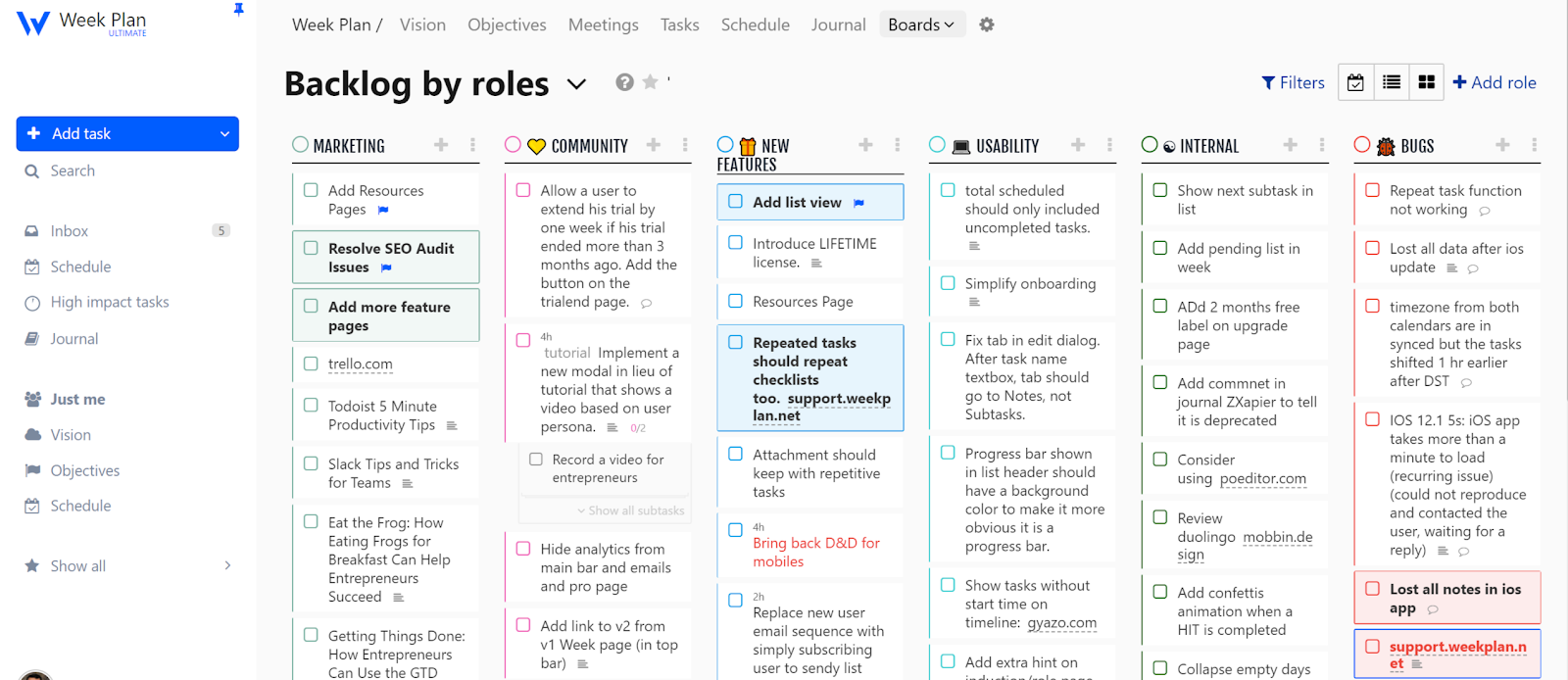 Our calendar planner software helps you gain control of your day, week, and month with tasks and events in a single view. For you to achieve your ambitious goals, WeekPlan helps you stay focused on things that really matter. Ensure you are using the most current version of your browser for optimal functionality.
Task Calendar
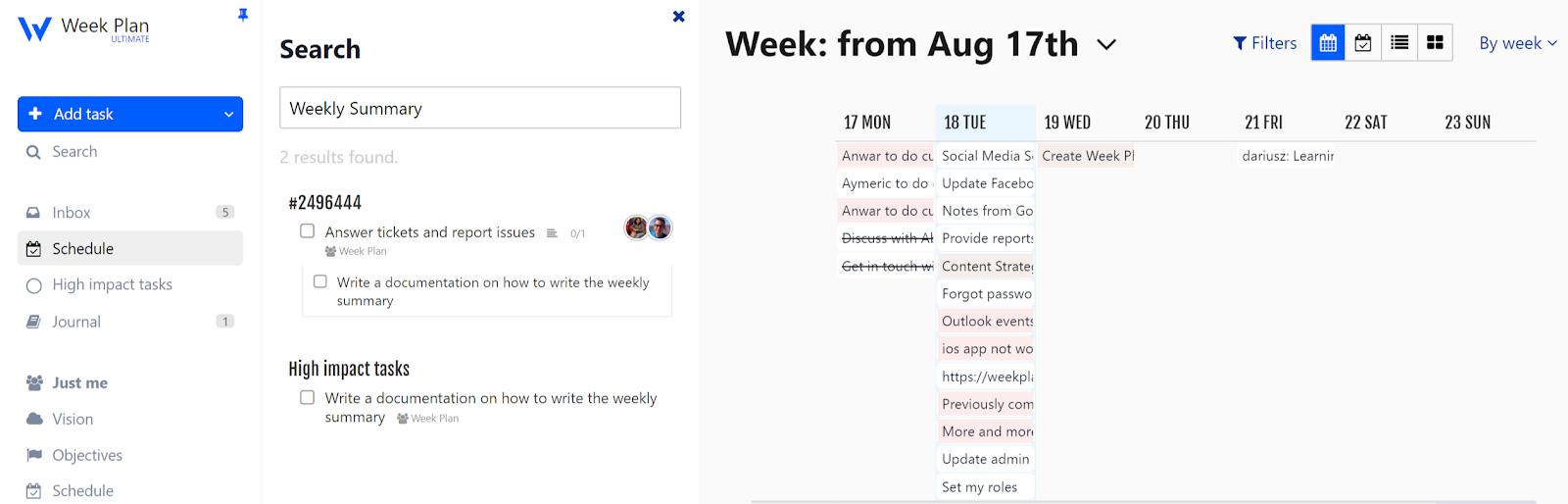 The calendar view details you about the tasks that are distributed among your team members. It is compatible with iPhone and other devices, ensuring optimal functionality and user experience. It empowers you to view all the tasks spread across a day, week, month, or year in a calendar. The bird’s eye view enables you to track the progress in any given period. You can create tasks and as many subtasks to it as you want. As said, things you put in your calendar have a much higher chance of getting done.
HITs Visibility
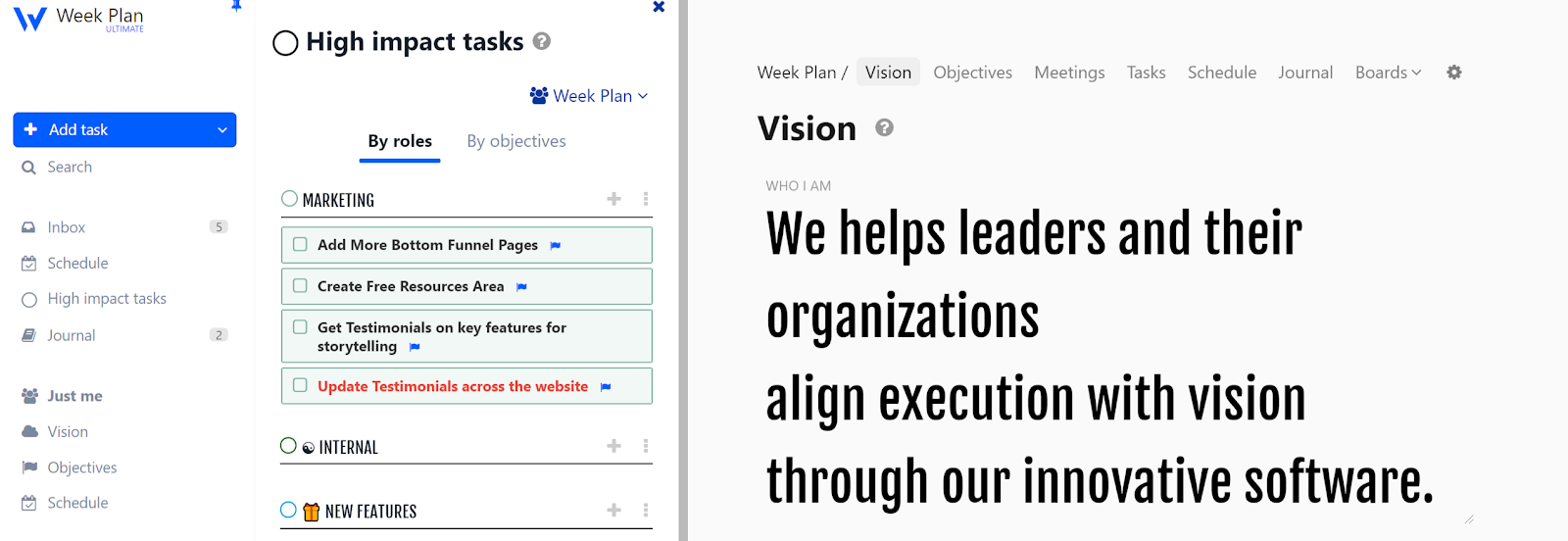
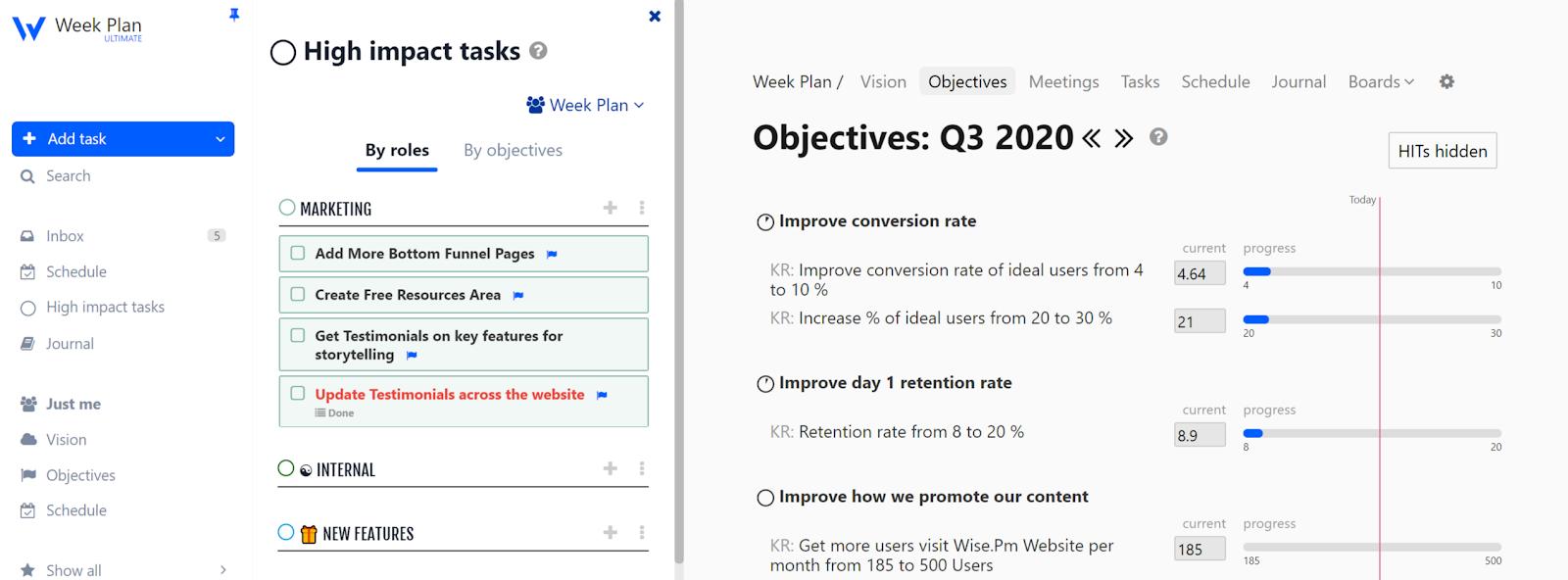 Our calendar planner software provides you with the luxury to create and keep high impact tasks insight all the time. It also helps users achieve their dreams by inspiring creativity and supporting goal-setting. High Impact Tasks are the ones that you just can’t afford to neglect and contribute immensely to bigger goals. They usually come from the top items in your Backlog but can also come directly from the Inbox. HITs help you progress on each of your objectives or role vision. The HITs can be grouped either by roles or by objectives.
Performance Overview
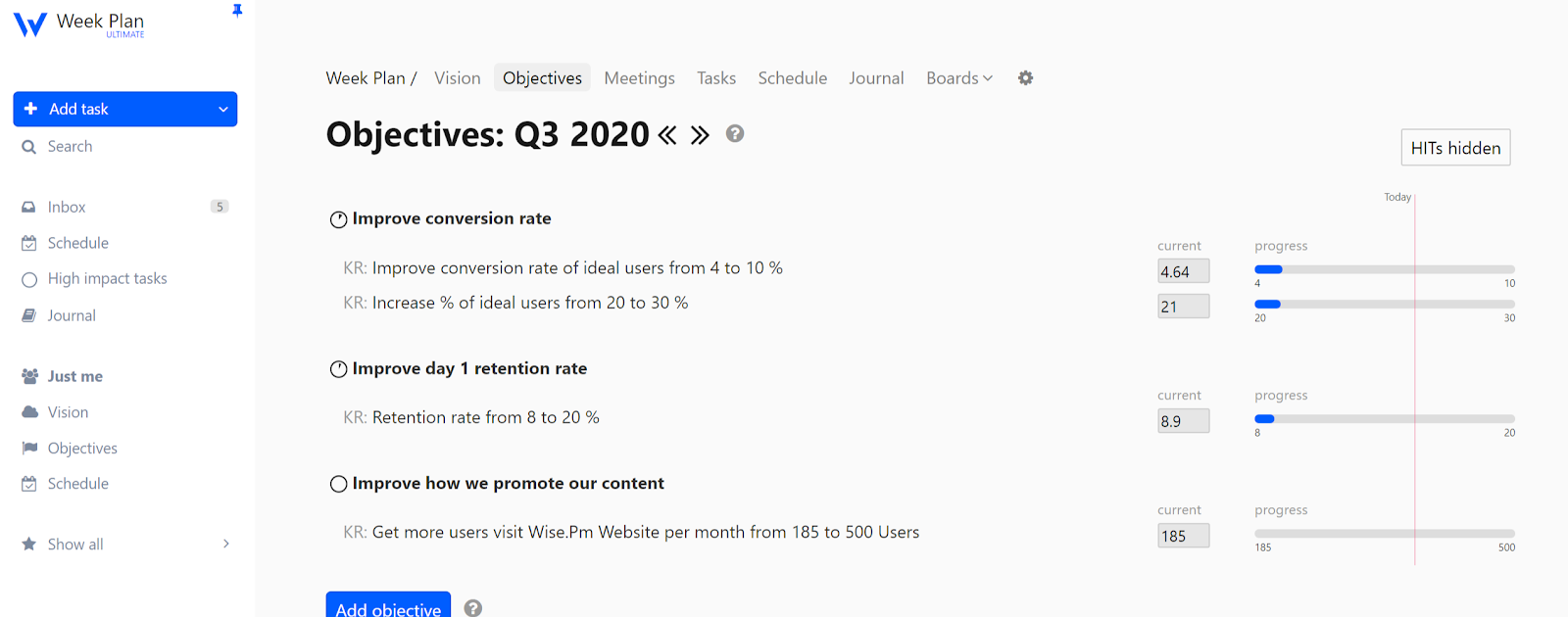 If you’re big on tracking progress, the calendar planner offers easy yet detailed analytics so you know exactly what you’ve accomplished or lacked during a specific period. You are able to track the progress made for the current week, in the past month, in three months, and in a year. You can also track goals completed, the number of tasks completed, the number of parking lot items added, and how your tasks are distributed.
Tasks Prioritization
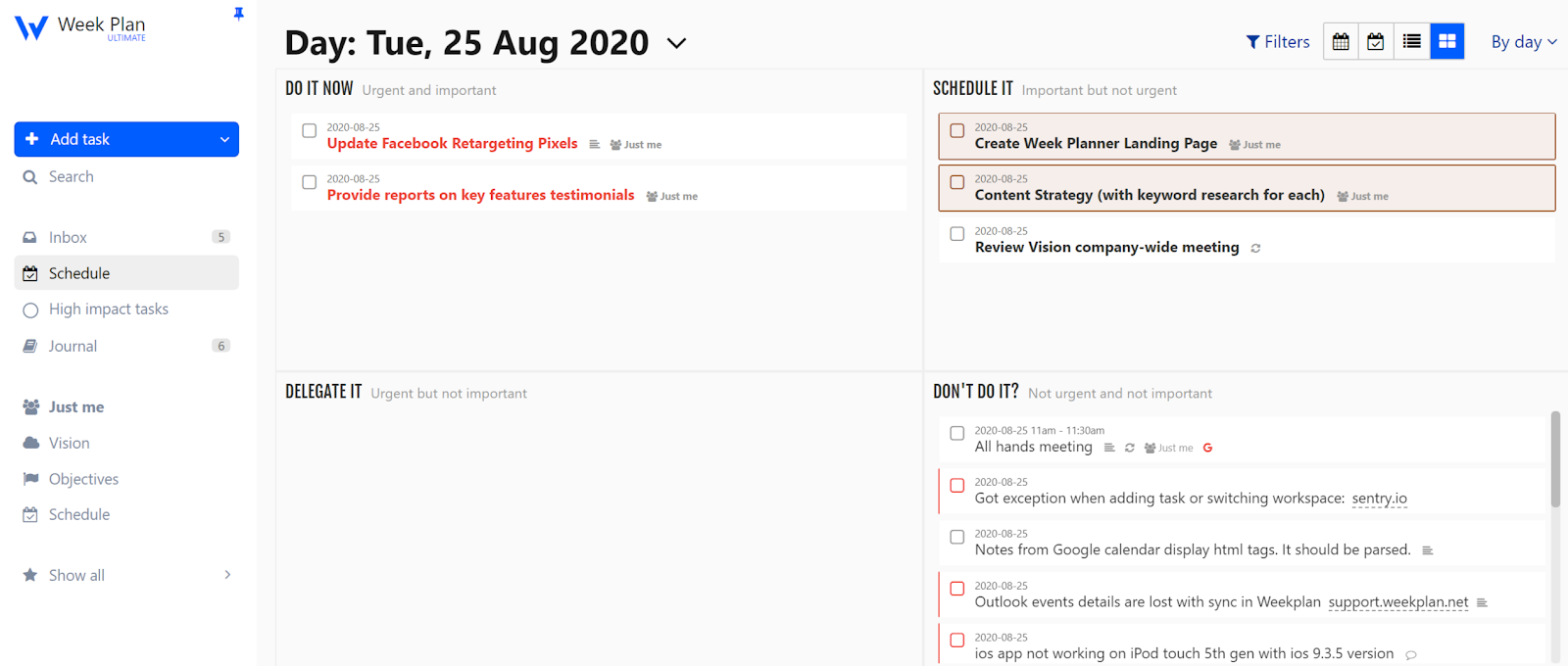 Our calendar planner software organizes your goals and tasks, so you end the week with less on your plate and more work done. Your tasks are organized according to roles and responsibilities, as well as importance and urgency. Allowing you to focus on your high priority tasks and achieve your goals successfully. WeekPlan is a fusion of popular productivity techniques and strategies to help you become more focused and productive.
Benefits Of Using Our Calendar Planner Software
 To ensure that you are ready, what’s ahead, and that you don’t drop any of the important balls you’ve got in the air, you’ll have to have a calendar planner software in place. WeekPlan helps make the most of your time wisely, manage stress, and, most importantly, stay organized.
Accountability
Everything that you do in life holds value. This is why you should allocate adequate time and date for every activity. Our calendar planner software helps you carve out time for your daily chores, be it spending time with friends, or complete specific tasks on your list. A calendar planner helps you in eradicating the habits of leaving things on chance.
Realistic Goals
You can never put a halt to adding things in your to-do list. Our calendar planner software helps you become more realistic when it comes to task completion. It helps you realize that not all the tasks in your plan can be finished, but it helps you see through and focus on activities that can be done. It helps you allocate sufficient time to complete a task, with a little blend of overestimation to incorporate the rise of any unexpected event.
Helps Prioritize
Once you have listed out all your tasks on the calendar, it helps you answer questions such as which tasks are important? Which tasks will add the most value? You will know where to spend your time and where not to. Proper allocation of the time will allow you to make room for what's important and filter out the rest.
Helps You Stay on Track
Are you struggling with procrastination? A calendar planner helps you set a specific date and time for a task to be completed. You eliminate the need to make excuses and make things work. There will be no more tasks rolling down your to-do list, and you will be able to catch them before they start to get postponed.
Sets Boundaries
WeekPlan helps you analyze how your day is structured. It prevents you from spending too much time on one task and not enough time for others. Our calendar planner software uses a timer to time your working pattern. Once the timer goes off, it prompts you to move on to another task. And if the task is not completed, it lets you schedule another block of time for the task whenever there is room.
Stay In Control
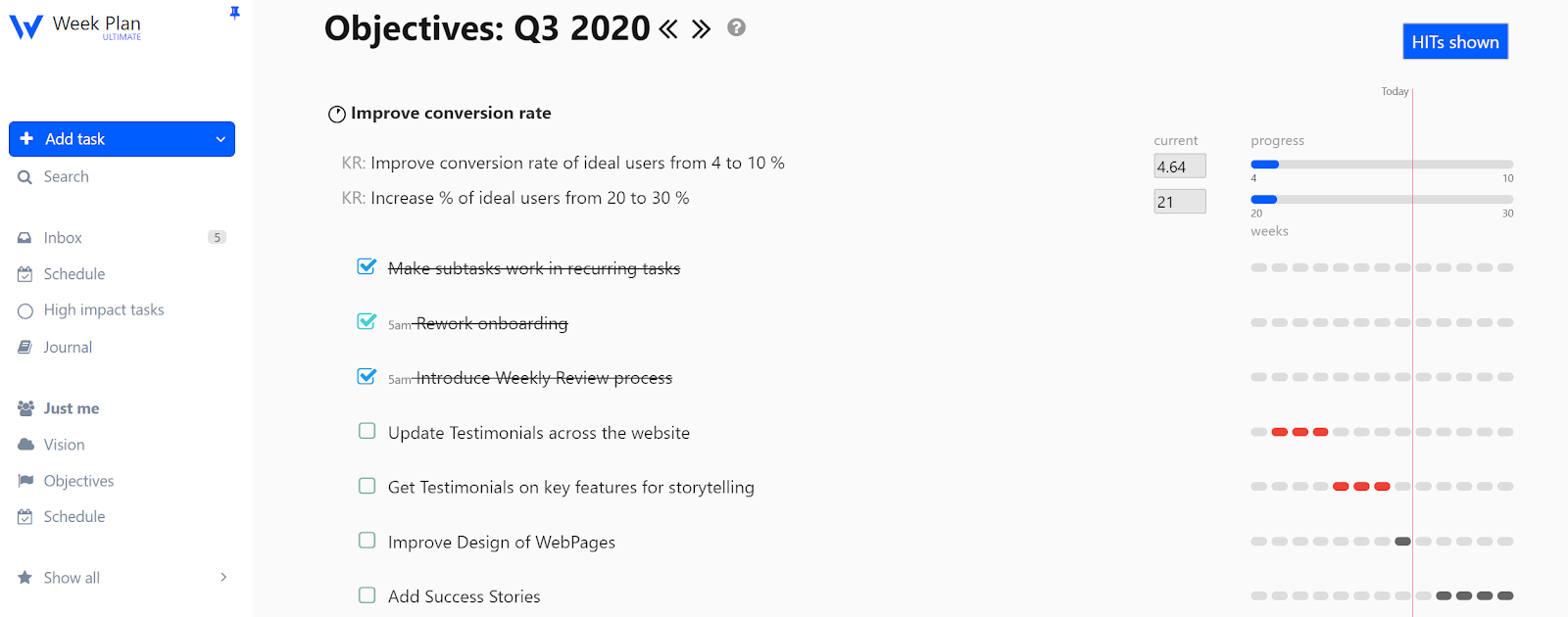 WeekPlan enables you to visualize the many commitments you have made and will also aid in keeping track of them. Having a daily planner at your disposal will help you boost productivity and ensure you don’t overcommit. You can manage your shared calendar alongside two calendars if needed, and it integrates seamlessly with your existing workflow. With scheduling links, you can book meetings effortlessly while still finding time for deep work. All this helps new users and experienced ones alike to stay organized.
Task Management
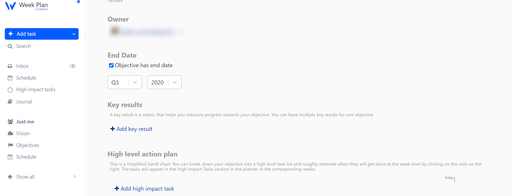 Managing tasks involves knowing how much time it would take to complete them. You can estimate and assign a deadline to the task, and WeekPlan schedules it on the planner using an AI scheduler. The calendar planner adopts the classic Pomodoro Technique for time tracking. The 25-minute sprint forces you to stay focused before the timer hits 0 without feeling burnt out. You can protect time for deep work or critical to dos, while the multiple views allow you to see your schedule from different perspectives. Follow-ups are easier to track, and user roles can be assigned for collaborative projects.
Journal
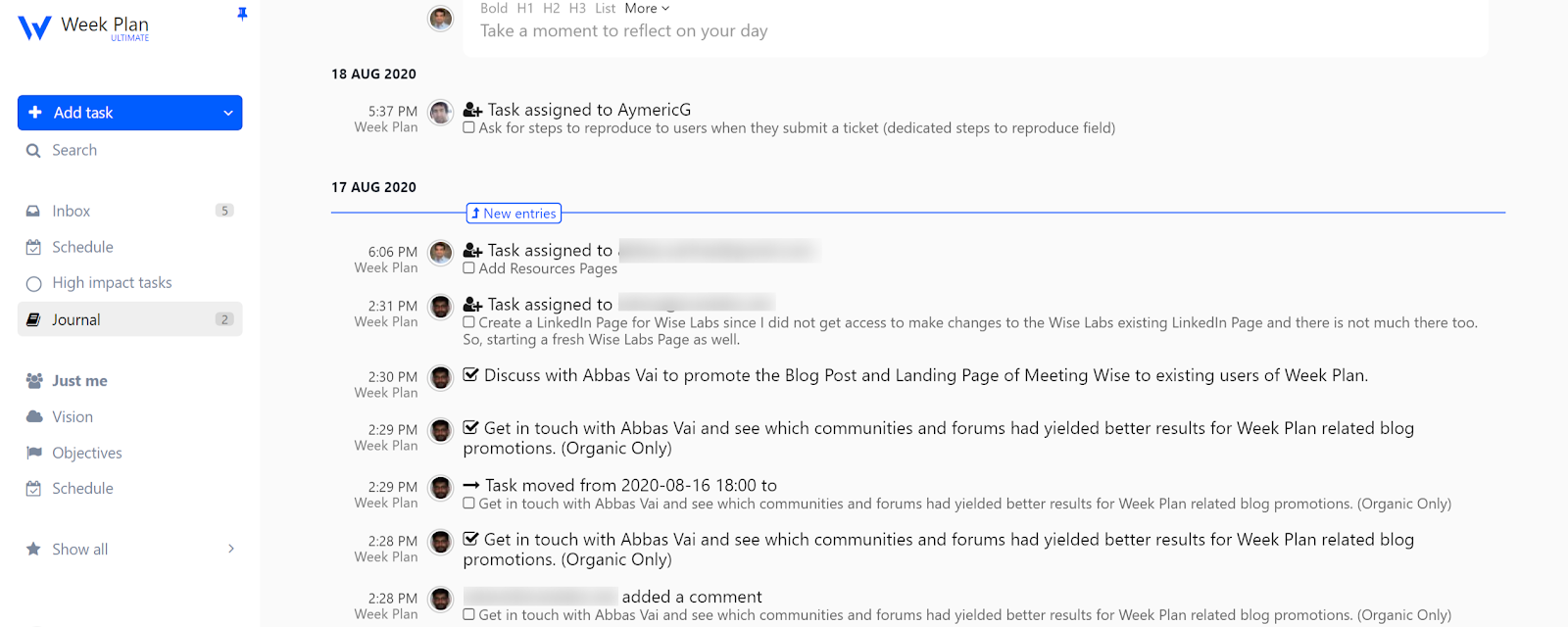 Need a moment of self-reflection? The Journal is a safe haven for when you need to reflect on what has transpired. The Journal is divided into two types of entries: the typical journal entry and the cogitorama entry. Cogitorama entry where you simply jot down relevant information that best describes your thoughts and reflections. If you need more text space to flesh out your ideas, you can switch to the traditional journal entry. You can plan ahead for two weeks of tasks, organize to-dos, and make sure your co-founder and team are aligned on priorities. Nice features like automated reminders and integrated scheduling links make it easy to book meetings and protect time, all this while keeping your daily planner efficient.
Frequently Asked Questions
1. What is a calendar planner?
A calendar planner is a tool that helps us to stay on track, remind us of important dates, and the countdown to special occasions. In business, using a calendar is of the utmost importance; regardless of your position, the use of a calendar planner can help you with keeping to a specific schedule, prevent you from missing important meetings, and assist with keeping up with other coworkers' schedules. A calendar planner software also encourages collaboration and improves coordination between team members.
2. Who can use an ai calendar app?
WeekPlan’s calendar planner software is best for students, busy parents, CEOs, freelancers, work-teams, managers, and any individual who would like to make the most out of their workload and appointments. It is designed for people who want to connect efficiently with others, manage their meeting times, and stay on top of all to-dos. Whether you are a co-founder coordinating with a team or a new user looking to create tasks, WeekPlan helps you protect time, track follow-ups, and make sure all this integrates seamlessly with your life.
3. Why use a calendar apps?
Calendar planner software have two core reasons for existence: They showcase your upcoming schedule and remind you of important events scheduled. An ideal calendar app, however, isn't just functional. It gives you clarity about how you spend your time, and be more efficient with what you do.
5. Does WeekPlan offer a free trial?
Yes, WeekPlan offers a free trial of 7 days. No credit card required to get started, which makes it easier for new users to explore the tool. During the trial, you can connect your existing other apps and import tasks to see how the AI scheduler and multiple views can streamline your planning.
6. Does WeekPlan offer integrations with other platforms?
WeekPlan has Android, iOS, Chrome, Mac OS, and Windows apps so that you can make the most of the tool. Apart from these standalone integrations, WeekPlan offers customer integrations via Zapier and its API as well.