7 Best Work Management Tools for Teams to Stay Organized in 2026
Published: August 3, 2026
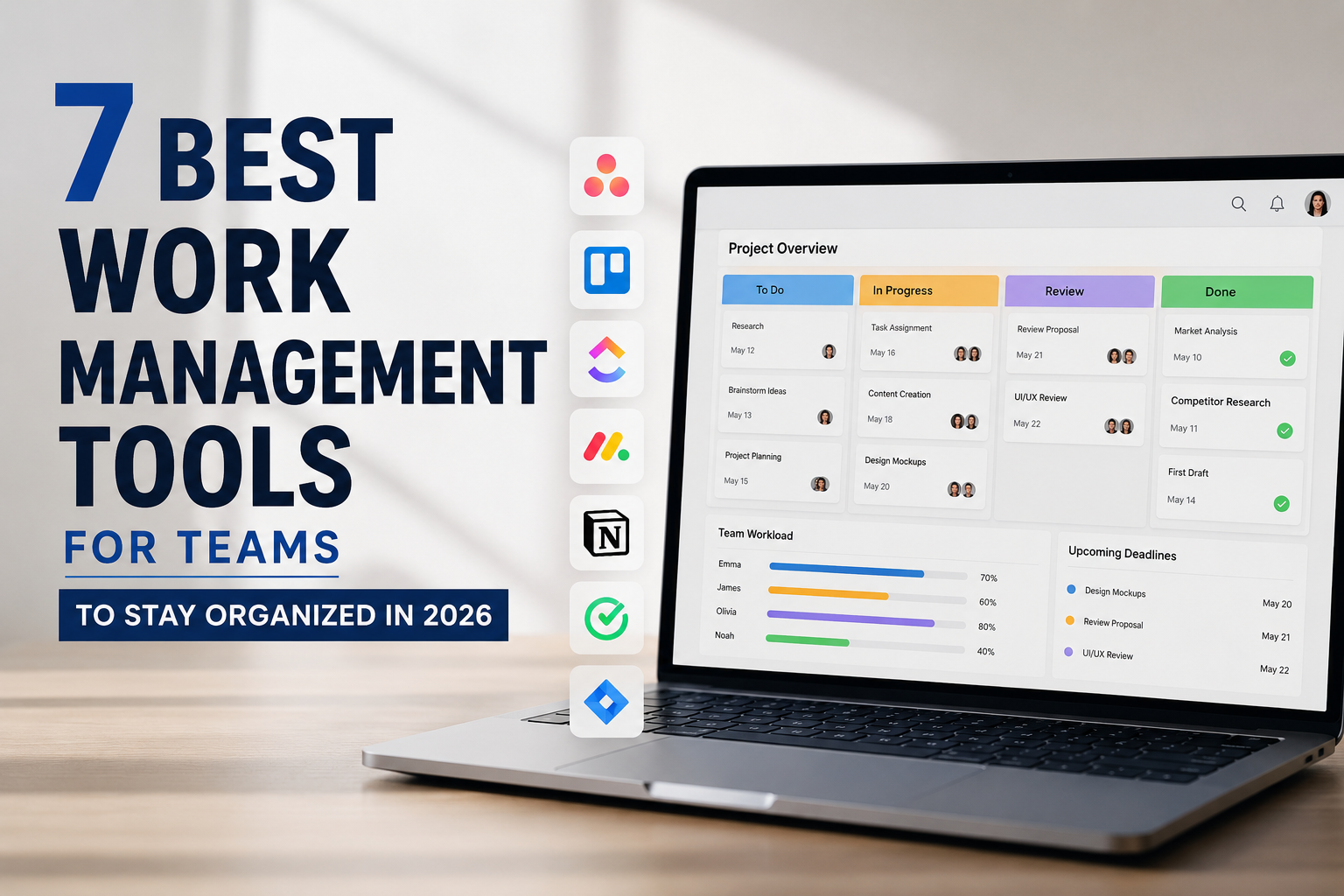
As teams grow and projects become more collaborative, keeping work organized becomes increasingly difficult. Tasks, conversations, files, and deadlines often end up scattered across multiple tools, making it harder to keep teams aligned and keep work moving forward.
Work management tools solve this by bringing planning, task tracking, collaboration, and progress monitoring into one place. The challenge is that every tool takes a different approach. Some focus on prioritization, others on automation, collaboration, or visual project tracking.
To help you choose the right solution, we've rounded up seven of the best work management tools for teams to stay organized in 2026, along with their key features, pros, cons, pricing, and ideal use cases.
Overview of the 7 Best Work Management Software
Tool
| Tool | Best For | Free Trial |
|---|---|---|
| Week Plan | Goal-based planning and task prioritization | Yes |
| ProofHub | All-in-one work management and team collaboration | Yes |
| Asana | Managing cross-functional projects and workflows | Yes |
| ClickUp | Highly customizable work management | Yes |
| Monday.com | No-code workflow automation and process management | Yes |
| Trello | Simple Kanban-based work management | Yes |
| Notion | Combining work management with documentation and knowledge management | Yes |
Quick picks:
- Goal-based planning: Week Plan
- All-in-one work management: ProofHub
- Cross-functional teams: Asana
1. Week Plan
Week Plan stands out among work management tools by helping you prioritize the work that deserves your attention instead of simply managing tasks. Built around the concept of weekly planning, it encourages users to organize their priorities for the upcoming week while keeping daily work aligned with long-term goals.
Instead of treating every task as equally important, it combines weekly planning, goal tracking, the Eisenhower Matrix, and High Impact Tasks to help you focus on work that moves your objectives forward. These capabilities make Week Plan a practical choice for individuals and teams looking to bring more structure to their weekly planning and work management.
Key Features
- Role-based planning
- Quadrant-based prioritization
- Weekly planning
- Goal & OKR tracking
- High Impact Tasks
- Visual task management
Top 3 Features of Week Plan
1. Weekly Review
Review completed and pending work each week to identify unfinished priorities and schedule important tasks for the upcoming week. Regular reviews help teams stay organized and maintain progress toward long-term goals.
2. Eisenhower Matrix for smarter prioritization
The built-in Quadrant View is based on the Eisenhower Matrix, which organizes work by urgency and importance. This helps users identify which tasks require immediate attention and which can be scheduled, delegated, or postponed.
3. Data-driven insights and analytics
Week Plan provides reports and visual charts to track task completion, time allocation, and goal progress. These data help users measure productivity, identify trends, and make informed decisions to improve their work management process.
Pros of Week Plan
- Easy-to-use interface with a clean, organized layout
- Supports both personal and team work management
- Integrates easily with Google Drive and Google Calendar
Cons of Week Plan
- Some advanced capabilities are available only on paid plans
Week Plan's Availability
- Web, Windows, Mac, Android, iOS
Week Plan Pricing
- Free Lite plan available
- Ultimate plan starts at $8.67/month (billed annually)
Final Verdict on Week Plan
If your goal is to stay organized while keeping daily work aligned with bigger priorities, Week Plan is an excellent work management tool. Its combination of goal planning, intelligent prioritization, and structured weekly scheduling helps professionals and teams stay focused on meaningful work.
2. ProofHub
ProofHub is an all-in-one work management platform that helps teams plan projects, organize tasks, collaborate, and track progress from a single workspace. With built-in tools for planning, communication, and reporting, it gives teams better visibility into work while keeping projects on schedule. All these you will get in a single flat fee, which means unlike other tools in the list, you don't have to pay per user fee.
Key Features
- Custom workflows
- Gantt charts
- Online proofing
- Time tracking
- Discussion boards
- File management
Top 3 Features of ProofHub
1. Resource reports
View detailed reports for individual team members, including their assigned projects, task progress, and overdue work. These reports help managers monitor productivity, identify bottlenecks, and make informed decisions when planning and distributing work.
2. Task dependencies
Link related tasks so work progresses in the right order. Teams can easily identify blockers and ensure dependent work isn't started before prerequisite tasks are completed.
3. Multiple project views
Switch between Kanban boards, Gantt charts, Table view, and Calendar view to organize and track work in the format that best fits your team's workflow. Different views make it easier to monitor deadlines, visualize project timelines, manage task progress, and quickly identify work that requires attention.
Pros of ProofHub
- Keeps projects, tasks, and communication organized in one place
- Multiple project views support different workflows
- Flat pricing with unlimited users
Cons of ProofHub
- No free forever plan
- Fewer native integrations than some competitors
- Advanced customization options are limited
ProofHub's Availability
- ProofHub is available on Web, Android, and iOS.
ProofHub Pricing
- Essential plan starts at $45/month (billed annually)
- Ultimate Control plan starts at $89/month (billed annually)
Final Verdict on ProofHub
ProofHub is well suited for teams that want to manage, collaborate, and organize work from a single platform. Its centralized approach assists in reducing tool switching while giving teams greater visibility into work, resources, and progress.
3. Asana
Asana is designed for teams that need to coordinate work across multiple departments and projects. It helps teams standardize workflows, automate repetitive processes, and track strategic goals. Organizations managing complex, cross-functional work can benefit from this structured approach.
Key Features
- Timeline view
- Workflow automation
- Workload management
- Forms
- Task dependencies
- Rule builder
Top 3 Features of Asana
1. Goals and portfolios
Connect daily tasks to company goals and monitor multiple projects from a single portfolio. Managers can track project health, identify at-risk initiatives, and ensure teams stay aligned with strategic priorities from one centralized view.
2. AI-powered work management
Asana AI summarizes project updates, identifies blockers, recommends next steps, and automates routine work. Teams spend less time reviewing project information manually and can respond more quickly to changing priorities.
3. Custom fields
Add custom data such as priority, budget, department, approval status, or client name to tasks using custom fields. Standardized information makes it easier to filter, sort, report on work, and maintain consistency across projects.
Pros of Asana
- Strong work management with multiple view options
- Free plan available for up to 10 users
- Strong integration ecosystem
Cons of Asana
- Advanced features require higher-tier plans
- Can become expensive for growing teams
- Learning curve for new users
- Asana's Availability
Available on Web, Windows, Mac, Android, and iOS.
Asana Pricing
Free plan available
Starter plan starts at $10.99 per user/month (billed annually)
Advanced plan starts at $24.99 per user/month (billed annually)
Final Verdict on Asana
Asana is a strong choice for organizations managing work across multiple teams and departments. Its combination of goal tracking, workflow automation, and project visibility helps teams stay organized while keeping work aligned with business priorities.
4. ClickUp
ClickUp is designed for teams that want complete control over how they manage work. Unlike many work management tools that follow a fixed structure, ClickUp gives teams greater control over how work is organized. This flexibility makes it suitable for teams with unique workflows or organizations that need different departments to manage work in different ways, all within the same platform.
Key Features of ClickUp
- Multiple project views
- ClickUp Brain
- Docs & Wikis
- Whiteboards
- Dashboards
- Goals
Top 3 Features of ClickUp
1. Workflow customization
Customize task statuses, custom fields, and workflows to match your team's processes instead of adapting your work to the software. Different departments can manage work in ways that best fit their responsibilities while staying on the same platform.
2. Task automation
Automate recurring actions such as task assignments, reminders, status updates, and notifications to reduce repetitive work. Teams can spend more time on meaningful tasks while ensuring routine processes run consistently.
3. Time tracking
Track time using built-in timers, manual entries, and timesheets to understand where work hours are being spent. Detailed time reports help managers monitor productivity, estimate future work more accurately, and improve resource planning.
Pros of ClickUp
- Extensive customization for different workflows
- Wide range of project views and dashboards
- Scales well for teams of all sizes
Cons of ClickUp
- Steeper learning curve than simpler tools
- Initial setup can take time
- Some advanced features are limited to paid plans
ClickUp's Availability
- Available on Web, Windows, Mac, Linux, Android, and iOS.
ClickUp Pricing
- Free plan available
- Unlimited plan starts at $7 per user/month (billed annually)
- Business plan starts at $12 per user/month (billed annually)
Final Verdict on ClickUp
ClickUp is a strong choice for teams that need a flexible work management platform capable of adapting to different workflows. Its extensive customization options make it well suited for growing organizations with diverse work management needs.
5. Monday.com
Monday.com is a work management platform that combines the familiarity of a spreadsheet with powerful no-code automation. Teams can organize work in customizable tables, track progress in real time, and automate repetitive tasks like status updates, notifications, and task assignments without writing a single line of code. This makes it a sensible option for teams hoping to streamline workflows while keeping work easy to manage.
Key Features
- Workload management
- Time tracking
- Forms
- Dashboards
- Board views
- Document management
Top 3 Features of monday.com
1. AI assistant
The AI assistant helps teams generate task updates, summarize project information, and automate routine activities. It reduces manual effort, keeps project information up to date, and helps teams complete everyday work more efficiently.
2. Resource planning
Get a clear view of team availability and allocate resources across projects more effectively. Managers can identify overloaded or underutilized team members early and balance workloads before they affect project timelines.
3. Robust integrations
Connect monday.com with over 200 business tools, including Google Drive, Microsoft Teams, and Salesforce. Integrating work across different applications reduces manual data transfer and keeps information synchronized in one workflow.
Pros of monday.com
- Easy-to-use visual interface
- Powerful no-code automation
- Flexible enough for different teams and industries
Cons of monday.com
- Advanced features are available on higher plans
- Pricing increases as teams grow
- Initial setup may take time for complicated workflows
monday.com's Availability
- Available on Web, Windows, Mac, Android, and iOS.
monday.com Pricing
- Free plan available (up to 2 users)
- Standard plan starts at $12 per user/month
- Pro plan starts at $19 per user/month
Final Verdict on monday.com
monday.com is well suited for teams looking to simplify work management with automation and better resource planning. Its intuitive interface makes it easy to organize work while supporting more complex workflows as teams grow.
6. Trello
Trello is a simple work management tool that helps teams organize and track work using Kanban boards. Its drag-and-drop style interface makes it easy to create tasks, monitor progress, and keep all informed without the complexity of traditional project management software. It's particularly well suited for small teams and projects that benefit from a clear, visual workflow.
Key Features
- Labels and tags
- Advanced checklists
- Real-time collaboration
- Calendar view
- File attachments
- Mobile apps
Top 3 Features of Trello
1. Kanban boards
Organize work into customizable boards and move tasks through different stages with a simple drag-and-drop interface. Visualizing work in columns makes it easy to track progress, identify bottlenecks, and keep everyone aligned on task status.
2. Butler automation
Automate repetitive actions such as moving cards, assigning members, and updating due dates. Built-in automation reduces manual work, helping teams maintain consistent workflows and save time on routine tasks.
3. Power-Ups
Extend Trello with Power-Ups for calendars, time tracking, reporting, file management, and other business tools. Additional capabilities allow teams to adapt Trello as their work becomes more complex without changing platforms.
Pros of Trello
- Simple and user-friendly interface
- Easy to learn and use
- Ideal for visual task management
Cons of Trello
- Limited project management features for complex work
- Reporting capabilities are basic
- Advanced features rely on Power-Ups or paid plans
Trello's Availability
- Available on Web, Windows, Mac, Android, and iOS.
Trello Pricing
- Free plan available
- Standard plan starts at $5 per user/month (billed annually)
- Premium plan starts at $10 per user/month (billed annually)
- Enterprise plan starts at $17.50 per user/month (billed annually)
Final Verdict on Trello
Trello is a great choice for individuals and small teams that want a simple, visual approach to work management. Its Kanban-based interface makes it easy to organize tasks, track progress, and keep everyday work moving.
7. Notion
Notion combines note-taking, knowledge management, and work management in a single workspace. Instead of separating documents, project plans, and tasks among different tools, it keeps everything connected, making it easier for teams to organize information and manage work from one place. It's a good fit for teams that prefer building their own workspace around how they work.
Key Features
- Databases with relational properties
- Docs and wikis
- Notion AI
- Templates and blocks system
- Teamspaces and permissions
- Forms and data collection
Top 3 Features of Notion
1. Relational databases
Link projects, tasks, documents, and other databases together to create connected workflows. Related information stays connected across the workspace, making it easier for teams to manage work without switching between multiple pages.
2. Synced blocks
Reuse the same content across multiple pages, with every instance updating automatically. Shared information such as project guidelines, processes, or announcements remains consistent across teams without requiring manual updates.
3. Linked databases
Display the same database in different pages with customized filters and views. Different teams can access the same work data in a format that matches their responsibilities while keeping information synchronized.
Pros of Notion
- Combines documentation and work management
- Flexible for different types of projects
- Excellent for organizing company knowledge
Cons of Notion
- Takes time to build and organize a workspace
- Can feel overwhelming for new users
- Project management features are less structured than dedicated work management tools
Notion's Availability
- Available on Web, Windows, Mac, Android, and iOS.
Notion Pricing
- Free plan available
- Plus plan starts at $10 per user/month (billed annually)
- Business plan starts at $20 per user/month (billed annually)
Final Verdict on Notion
Notion is a good choice for teams that want to manage work and company knowledge in one place. Its flexibility makes it notably valuable for teams willing to invest time in building a workspace that fits their needs.
Final Thoughts
The best work management tool is the one that fits the way your team plans, organizes, and completes work. Some teams need better prioritization, while others benefit from stronger collaboration, workflow automation, visual planning, or centralized documentation. The tools in this list each bring a different strength, such as Week Plan, which is ideal for goal-oriented planning, whereas ProofHub combines work management with team collaboration. We suggest you evaluate your team workflow, project complexity, and your requirements before making a decision. Also, take the free trial and test the tool so you can get a clear picture of the tool.