OKR & Goal Planner Linked to Your Week
Published: November 16, 2026
💡 How do I connect my goals to my weekly plan?
Write a few quarterly objectives with measurable key results, then link the tasks you plan each week to them. In Week Plan, the High Impact Tasks sidebar can group your week by objective, so you see at a glance which goals are getting attention and which are not.
Setting goals is the easy part. The hard part is the week after, when the goal you wrote down in January is nowhere on your calendar and every day fills up with something else. Goals that live in a separate document tend to stay there. Week Plan keeps your quarterly objectives in the same place you plan your week, and links the two, so every week you can see which goals you are actually working on.
How goals and OKRs work in Week Plan
Week Plan uses the OKR format: Objectives with key results, set for a quarter.
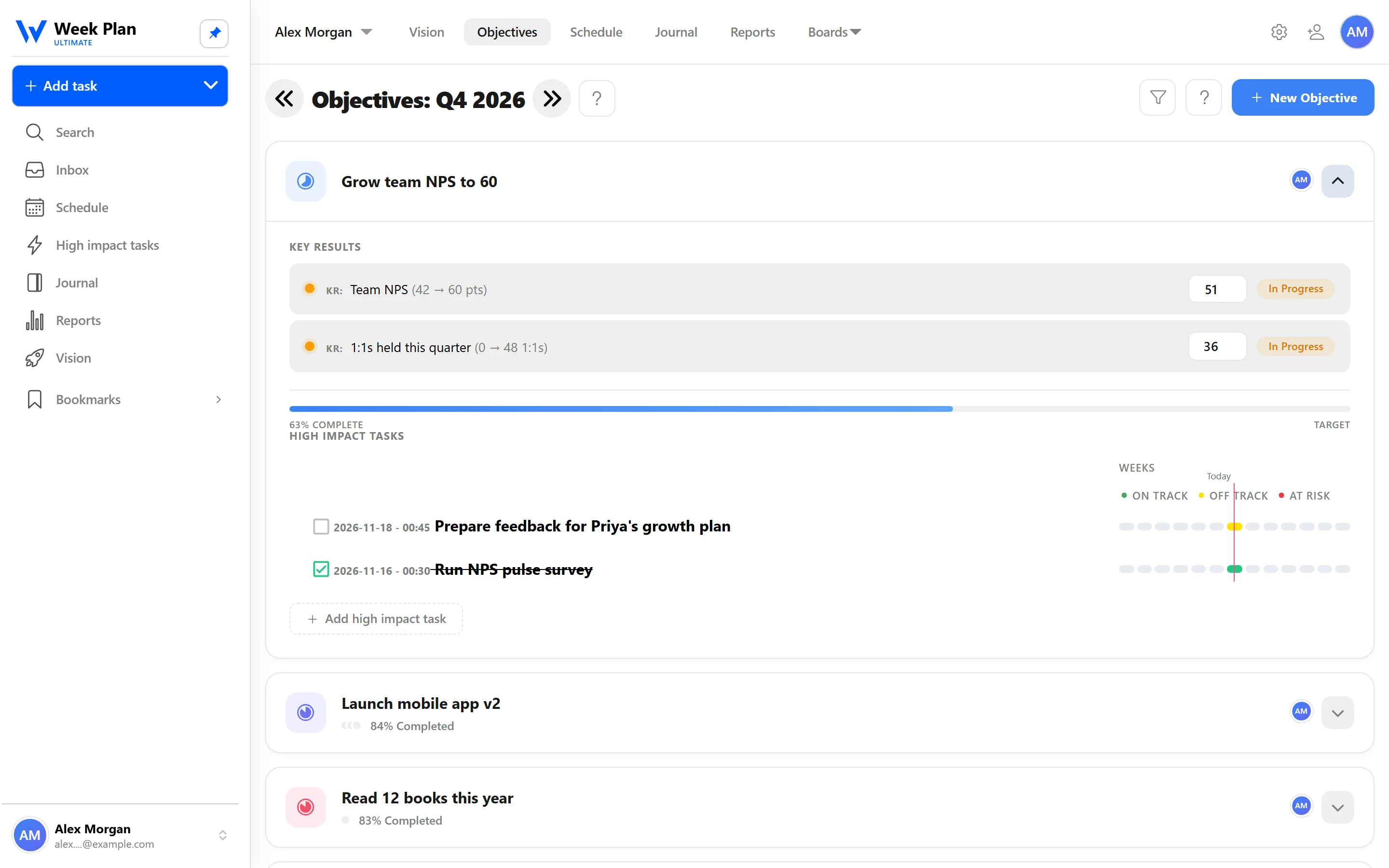
- Quarterly objectives. Each objective describes something you want to achieve this quarter. A quarter is long enough for real progress and short enough to keep the deadline in sight.
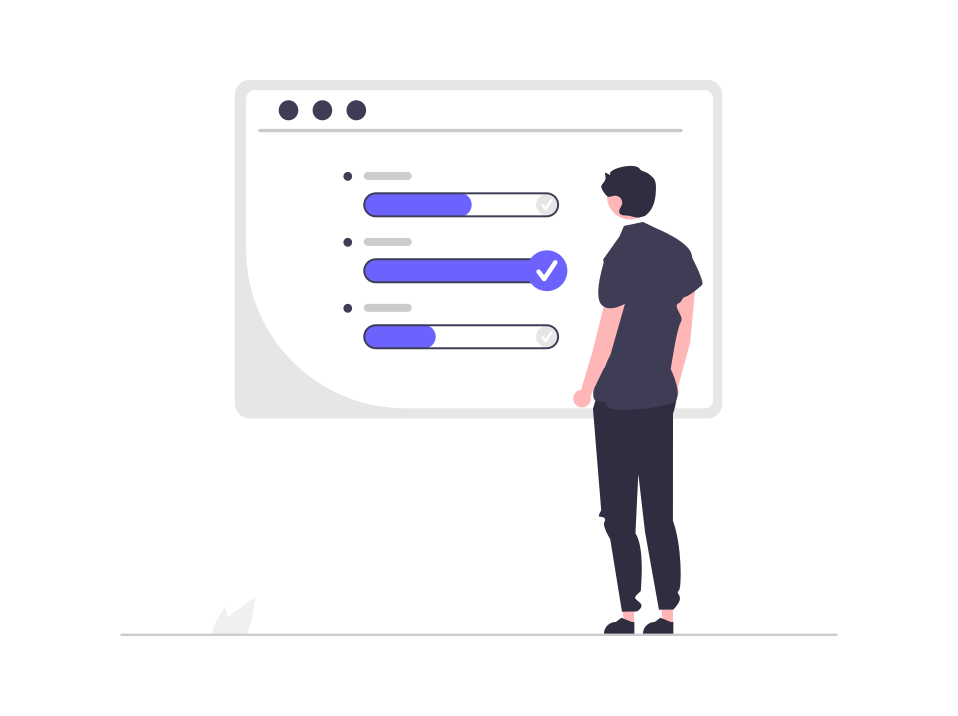
- Key results with progress bars. Under each objective you add key results, the measurable outcomes that tell you whether you got there. Progress bars show how far along each one is.
- Objectives per role. You can set objectives for your different roles, so a health goal or a family goal gets the same treatment as a work goal.
- Objectives per team workspace. In a team workspace, objectives are shared, and everyone can link their tasks to them.
From quarter to week
An objective only moves when work happens on it. In Week Plan, you link tasks and High Impact Tasks to an objective. Then the High Impact Tasks sidebar can group your week by objective, with progress, instead of by role.
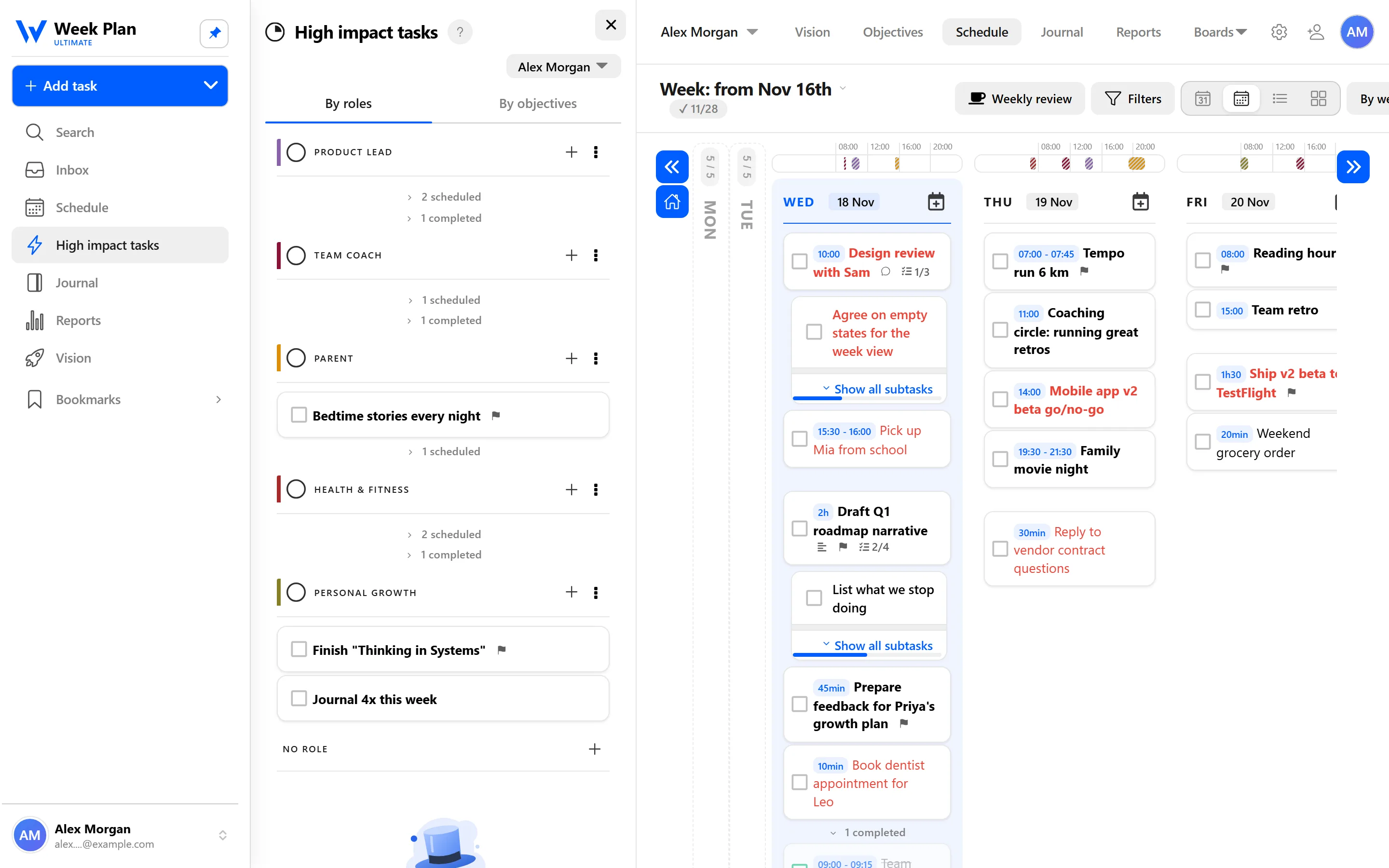
This view answers the question most goal systems never ask: what am I doing this week for each of my objectives? If an objective has nothing under it, you notice now, not at the end of the quarter.
The 7 Habits behind it
Week Plan is built on Stephen Covey's The 7 Habits of Highly Effective People. Objectives belong to Habit 2: Begin with the End in Mind.
Covey's idea is that everything is created twice: first in your mind, then in reality. Your vision and roles are the first creation at the largest scale. Quarterly objectives turn that picture into something specific enough to act on in the next three months.
Linking objectives to weekly High Impact Tasks is where Habit 3: Put First Things First takes over. A goal becomes a few concrete tasks placed on specific days of your week, which is the only place a goal can really be worked on.
The academy explains how to write them in what makes a good objective and what makes a good key result.
How to get started
- Open Objectives and add one to three objectives for this quarter.
- Add two to four key results to each objective, each one measurable.
- Assign each objective to a role, or to your team workspace if it is a shared goal.
- When you plan your week, add High Impact Tasks and link each one to an objective.
- Group the High Impact Tasks sidebar by objective to check that every objective has something planned this week.
Tips
- Fewer is better. Three objectives you work on every week beat ten you look at once a quarter.
- Not everything needs an objective. Some roles are about maintaining, not achieving. A role can have High Impact Tasks without a quarterly objective.
- Review weekly, not quarterly. The Weekly review starts with your Objectives, so you update progress while it is still easy to change course.
Who it is for
- Individuals with personal goals. Use objectives per role to give your health, family or learning goals a measurable shape and a weekly place in your plan.
- Team leads. Set shared objectives in a team workspace, and let each person link their tasks to them, so the team's weekly work visibly adds up to the quarter's goals.
- People who tried OKRs and let them fade. If your objectives used to live in a spreadsheet nobody opened, keeping them next to the week, and reviewing them every week, is what keeps them alive.