
ADHD Planner App — A Weekly Planner That Works With Your Brain
A digital ADHD planner built around executive function: see the whole week, sort tasks by urgency, timebox with a Pomodoro timer, and let unfinished tasks roll over — no guilt, no blank-page reset. Free to start.
💡 What is the best ADHD planner app?
The best ADHD planner externalizes what executive function makes hard — it shows the whole week at once (against time blindness), limits today to a few visible priorities, uses timers and reminders instead of memory, and rolls unfinished tasks forward automatically so a missed day never turns into an abandoned system. Week Plan is built around exactly that loop and is free to start.
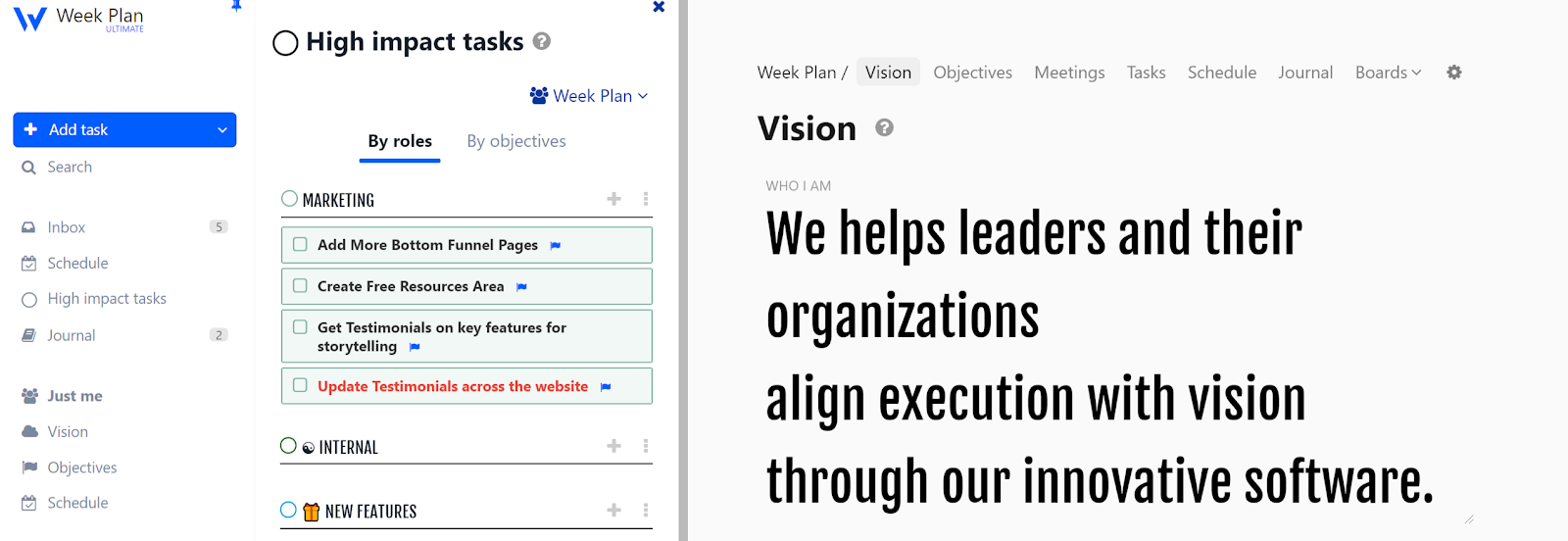
Most planners are built for brains that don't have ADHD. They assume you'll remember to open them, that a long list motivates instead of paralyzes, and that a missed Tuesday won't quietly end the whole system by Friday. If you have ADHD, you've probably watched that exact movie a dozen times — new planner, two good weeks, silent abandonment.
Week Plan takes the opposite bet: your brain isn't the problem, the system is. It's a digital ADHD planner that externalizes the parts executive function makes expensive — seeing time, choosing what matters, starting, and coming back after a bad day. It's free to start — no credit card — and works in the browser and on iOS, Android, Mac and Windows.
If you want the full method behind it, the weekly planner for ADHD complete guide walks through the setup step by step. This page is the short version: what the app does and why it fits.
See the week, not just the scary list
Time blindness is the ADHD tax nobody warns you about: "later" feels like a real place, deadlines arrive from nowhere, and a day's capacity is a mystery until it's gone. A weekly view makes time visible — seven columns, your real commitments, and the space that actually remains. When the week is in front of you, "I'll do it later" turns into a concrete question: later when?
Because it's a weekly planner rather than a daily one, a derailed Tuesday doesn't wreck the system — the week absorbs it.
Three priorities beat thirty tasks
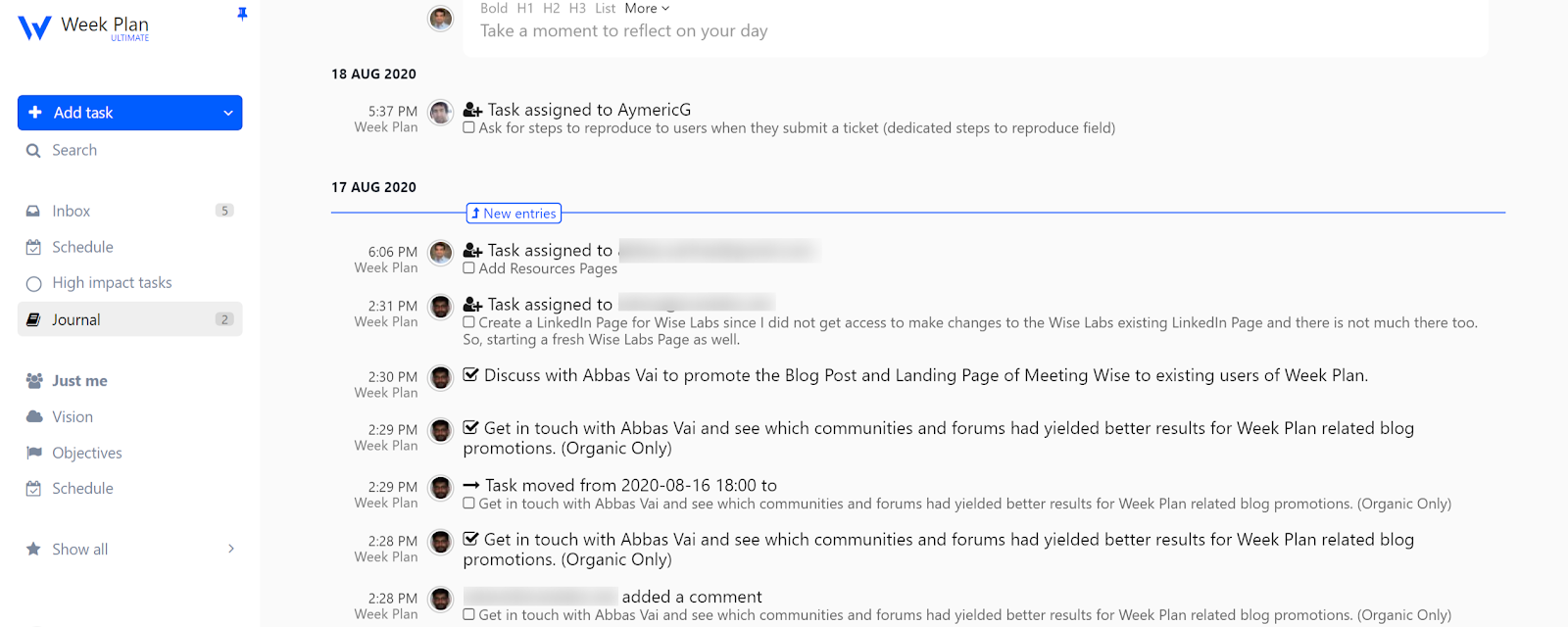
Overwhelm usually isn't too much work — it's too many undifferentiated choices. Week Plan's quadrant view sorts tasks by urgent and important (the Eisenhower matrix), so the decision "what now?" is already made when your focus shows up. Mark a few tasks as High Impact Tasks and they stand out from the noise; everything else can wait without nagging you from the top of a list.
Not sure how you like to work? The productivity method quiz matches you with a planning method in two minutes.
Timers, reminders, recurring — memory is not a strategy
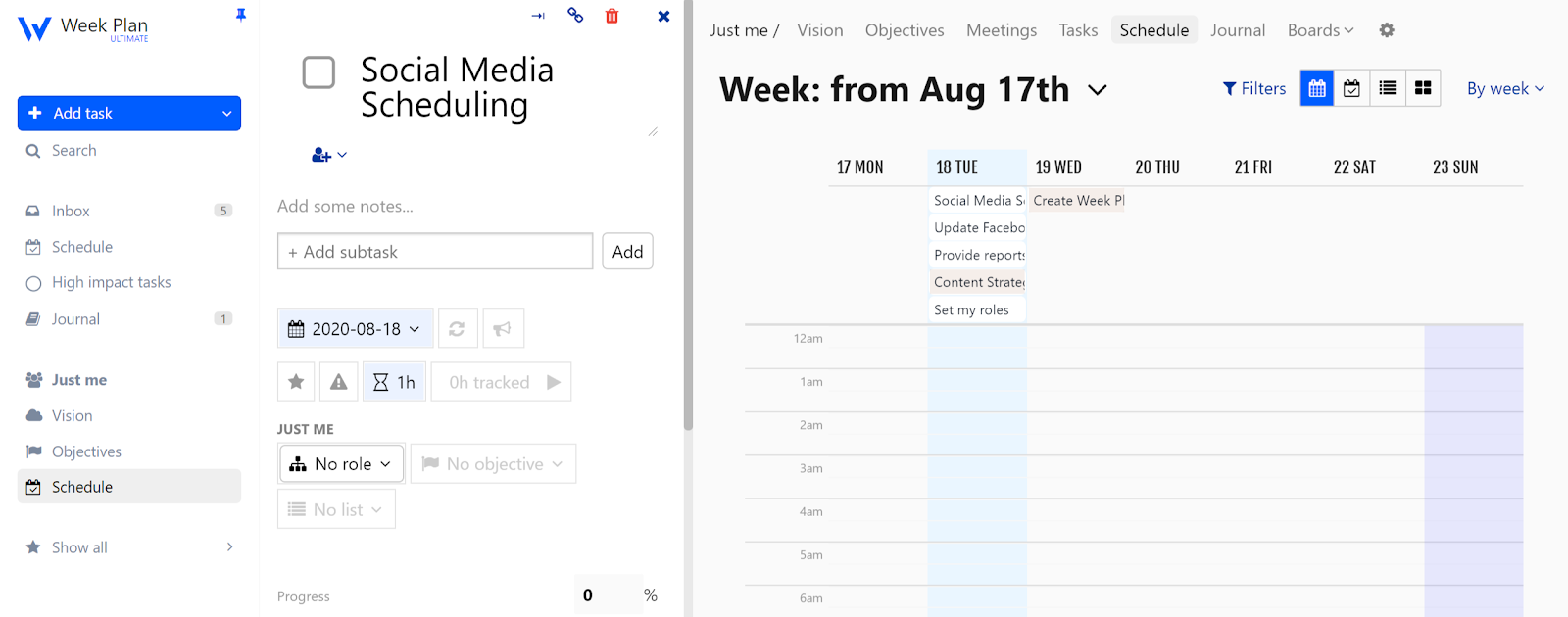
Anything that depends on remembering will eventually fail at the worst moment. So Week Plan moves it out of your head:
- Timeboxing — drag a task onto the week and give it a start time and a duration. Starting is easier when the task has a when, not just a should.
- Pomodoro timer — built in, for body-level proof that 25 minutes of ugly-first-draft beats another hour of dread.
- Reminders — the app pings you; you don't have to ping yourself.
- Recurring tasks — meds, invoices, laundry, weekly review: set once, never re-decide.
Missed a day? The plan comes back to you
The classic ADHD planner death spiral: miss a day, feel guilty, avoid the planner because of the guilt, abandon the planner. Week Plan breaks the loop mechanically — unfinished tasks roll over to the next day automatically. There's no graveyard page of failures to face, no blank-page restart. You open the app and today is already waiting.
And when your brain offers its favorite exit line — "I'll start tomorrow" — the Excuse Killer feature asks you to type the excuse out and holds it up against your own weekly goal. Naming the dodge, it turns out, is half of dropping it.
Borrow someone else's presence
Body doubling — working alongside another person — is one of the most reliable ADHD focus hacks, and it works on plans too. Share your week with a partner, friend or coach so someone else can see it: the gentlest possible accountability, no lectures required.
Built for the brain you have
Week Plan won't turn you into a linear thinker, and it doesn't need to. It gives an interest-driven, deadline-fueled brain the external structure that makes a week legible: visible time, pre-made priorities, automatic restarts, and reminders that don't judge. Comparing options first? Here's our honest round-up of the best ADHD planners, paper ones included.
Start planning free — no credit card required, set up in about 15 minutes. Paid features are on the pricing page.
FAQ
Do planners actually help with ADHD?
They help with the executive-function load — remembering, sequencing, prioritizing — by moving it out of your head and into a system you can see. A planner is not a treatment, but externalizing the plan is one of the most consistently recommended ADHD strategies.
How is Week Plan different from a normal to-do list for ADHD?
A flat list grows until it becomes unreadable and shame-inducing. Week Plan shows a seven-day board with a handful of priorities per day, sorts tasks by importance and urgency in the quadrant view, sends reminders so nothing depends on memory, and automatically rolls unfinished tasks to the next day so you restart instead of rebuild.
Paper or digital planner for ADHD?
Paper helps memory and reduces screen-distraction risk; digital adds the alarms, recurring tasks and guilt-free rescheduling paper cannot. Many people with ADHD sketch the day on paper and keep a digital weekly planner as the source of truth that actually pings them.
Is Week Plan free?
Yes — you can start free with no credit card. The paid plan adds the quadrant view, recurring tasks, journal, calendar sync and sharing; see the pricing page for details.