Google Calendar Alternative for Weekly Planning
Published: November 19, 2026
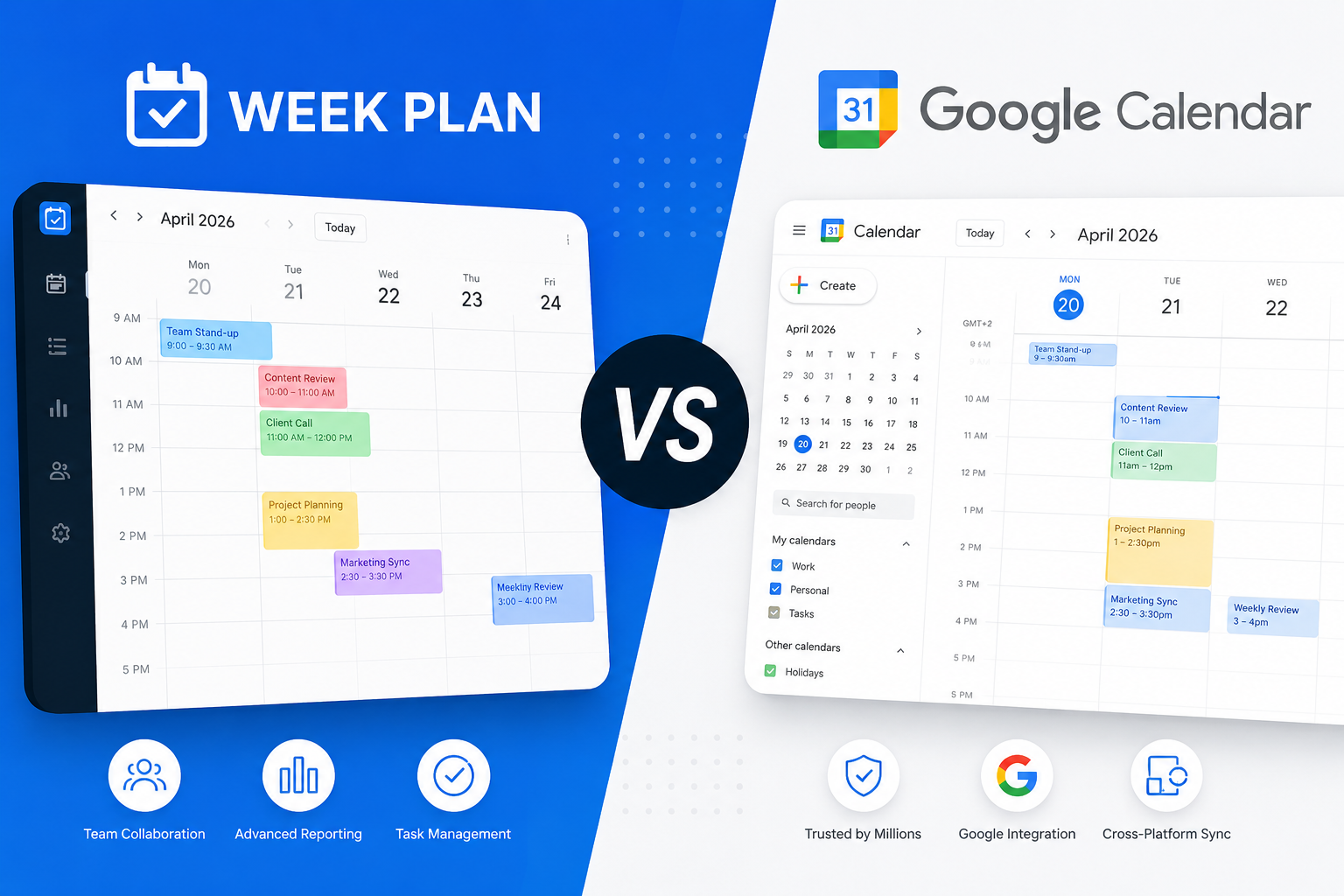
Google Calendar is built for time: events, invitations, shared calendars and meeting rooms. Week Plan is built for priorities: a weekly plan of tasks organized by your roles and goals, based on Stephen Covey's 7 Habits. For scheduling meetings Google Calendar is the right tool, and Week Plan does not replace it. If you have been forcing your to-do list into calendar blocks and it keeps falling apart, Week Plan can sit next to your calendar and hold the plan.
At a glance
| Week Plan | Google Calendar | |
|---|---|---|
| Price (paid) | $10.83/mo, or $104/yr ($8.67/mo); $399 lifetime | Part of Google Workspace; price varies by region |
| Free plan | Yes: Lite keeps the weekly planner, roles and weekly High Impact Tasks | Used with a personal Google account |
| Trial | 7 days of every feature, no card needed | 14-day Google Workspace trial |
| Platforms | Web, iOS, Android | Web, Android, iOS, Wear OS, Apple Watch |
| Planning style | Weekly task plan, by role and priority | Events and time blocks; tasks with a date and time |
| Goals & roles | Roles (free); OKRs and vision page (paid) | Not listed on the product page |
| Weekly review | Guided weekly review (paid) | No; time insights show time spent |
| Calendar | Google Calendar and Outlook, two-way sync (paid); no iCloud | It is the calendar: invitations, Meet, Gmail bookings |
| AI | Break Down a task, Excuse Killer (paid), plan generation at sign-up | Gemini in Workspace: suggested meeting times, Help me schedule |
| Teams | Up to 10 users, at 3x the single price | Shared calendars, room booking, booking pages (Workspace) |
Where Google Calendar is stronger
- Meetings and invitations. Sending invites, finding a free slot, Google Meet links and room booking are what it does best.
- Everywhere you already are. It works with Gmail and on the web, phones, Wear OS and Apple Watch.
- Time-based features. Focus time declines meetings and mutes notifications, working hours and location tell colleagues where you are, and time insights show where your hours went.
- Scheduling help. Gemini in paid Workspace suggests meeting times and can help schedule group meetings.
- Booking pages. On Workspace Standard and above, others can book time with you directly.
Where Week Plan is stronger
- Tasks get room to breathe. Google Calendar shows tasks as small items, and time blocks must be rearranged by hand when plans slip. In Week Plan a task lives in a day column; drag it to another day and you are done. Unfinished tasks can also move to today automatically.
- A plan with a reason behind it. Group tasks by your roles, pick weekly High Impact Tasks and, on the paid plan, sort them by the Eisenhower quadrants. See Habit 3: Put First Things First.
- A weekly review. At the end of the week a guided review (paid) helps you see what got done and plan the next week. Google Calendar has no reflection step.
- Goals over time. A vision page, a journal and objectives with key results (paid) link your week to longer-term goals.
- Meetings still in view. Connect Google Calendar or Outlook (paid) and your meetings show beside your tasks, so you plan around what is already booked. More on calendar sync.
Pricing compared
Most people use Google Calendar through their Google account. For businesses it comes with Google Workspace; Google's pricing page showed us prices in Polish zloty (Starter zł31.50, Standard zł63, Plus zł99 per user per month), so check the price in your own currency. Workspace offers a 14-day trial. Week Plan starts with a 7-day trial of every feature and no card. After that you keep the free Lite plan, or pay for Ultimate at $10.83 a month, $104 a year ($8.67 a month), or $399 once for lifetime access (single user). A team of up to 10 costs 3x the single price. See our pricing page. Prices checked November 2026.
Who should choose which
Stay with Google Calendar alone if you:
- Mostly need to schedule meetings and share availability.
- Plan your day entirely in time blocks and that works for you.
- Want booking pages and room booking for a team.
Add Week Plan if you:
- Have more tasks than calendar slots and need a weekly view of them.
- Want to plan by roles and goals, not just by the clock.
- Want a weekly review habit.
- Want your meetings and tasks side by side.
Switching from Google Calendar
This is less a switch than a split: meetings stay in your calendar, tasks move to Week Plan.
- Set up your roles. Add the roles you play this season. Our 7 Habits page explains why.
- Move this week's tasks. Turn the to-do blocks and Google Tasks you have for this week into tasks in Week Plan. Leave meetings where they are.
- Connect your calendar (paid). Link Google Calendar (and Outlook if you use it) so meetings appear beside your tasks.
- Place the big tasks first. Put your High Impact Tasks on days with room around the meetings.
- Review on Friday. Run the weekly review and plan next week before Monday arrives.
Read more on our weekly planner page or see other comparisons.
Try Week Plan free — 7 days of every feature, then a free plan that keeps working.