5 Best Focus Apps of 2026 to Boost Productivity
Published: June 17, 2026
You sit down to work and within minutes, your phone is in your hand. You promise to check ‘just one notification’ but an hour later, you are deep in TikTok videos you didn’t even plan to watch.
You are frustrated because this is eating away your productivity. Time that should be spent on work is lost on unimportant things.
If this sounds like you, focus apps are a necessity. Consider these 7 best focus apps to keep you from wandering and guide your attention back to what really matters.
Best Focus Apps
Here are the best apps designed to strictly help you focus.
1. WeekPlan
Compatibility:
iOS, Android, Web
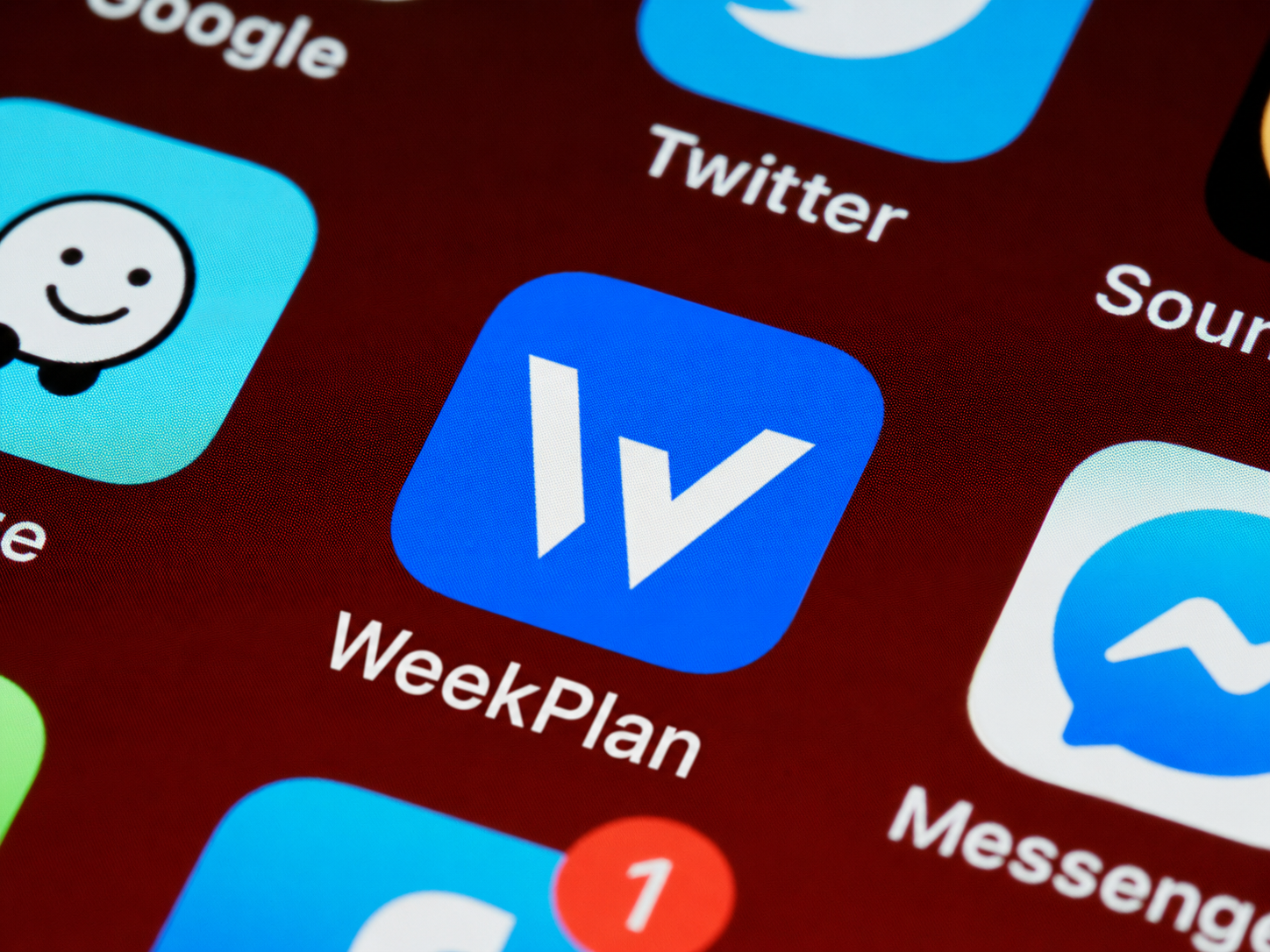
Week Plan is one of the most effective apps to help you stay focused. Unlike traditional to-do list apps that emphasize getting more done, Week Plan is designed to help you focus on the right things—the tasks that move you closer to your goals.
What makes it stand out is its emphasis on weekly planning. The app allows you to identify your priorities and intentionally schedule work that aligns with your long-term objectives.
What We Like
You’ll appreciate the app’s goal-first approach that makes it easier to align your daily work with your bigger objectives, so you're constantly making progress toward meaningful outcomes.
It gives you a clear overview of your priorities and helps you balance work, personal projects, and long-term goals without feeling overwhelmed.
2. Forest
Compatibility:
iOS, Android, Web (via browser extension)
You look at Forest and wonder why more tools don’t use the same approach. The app doesn’t nag you to put your phone down, but instead, gives you a simple challenge: Plant a tree and keep it alive by staying off your phone. If you give in to temptation, the tree withers.
The app stands out for making focus feel rewarding and not restrictive. Plus, it’s clean, lightweight and easy to use.
What We Like:
Forest transforms something as boring as staying away from your phone into an interesting game that you want to win. And now, they’ve partnered with Trees for the Future to plant actual trees. So your focus, on top of boosting your productivity, helps grow a real tree.
You’ll appreciate how delightfully simple the app is. Start a session with one tap, set your timer and you are good to go. You can track your steaks, adjust your timer and whitelist essential apps so you are not locked out of tools you need.
The browser extension also blocks distracting websites that are waiting to pull you in.
What Could Improve:
No app is perfect, and neither is Forest. Most of the essential extra features, like detailed tracking are tucked behind the paid version. You must upgrade if you want their access.
But two bucks is nothing considering all the value it brings. Forest is a serious option worth considering.
3. Freedom
Compatibility:
iOS, Android, Mac, Windows, Chrome Extension
While most focus apps give you a gentle reminder to stay on track, Freedom takes a strict and firmer approach: It shuts the entire door so you can concentrate.
Its interface is clean and simple and setting up a session will only take you a couple of clicks.
What We Like:
While Freedom is powerful, it’s also flexible. You can opt to cut yourself off from the internet completely, or block a few sites only for an hour. The choice is yours.
Plus, its cross device syncing is a game changer. Once you start a session, you cannot slip through the cracks and hop to another screen. Every connected device is under lock.
What Could Improve:
Since the app works by blocking internet access, it may be tricky if you need to keep certain sites open for work and block the rest.
And while the subscription pricing is fair, it still feels like a hurdle for casual users who only need light distraction management.
But if you are serious about drawing boundaries between focus and distraction, the subscription won’t be a problem.
4. Be Focused
Compatibility:
iOs, macOS
Be Focused is more of a Pomodoro timer. But it works, since it keeps you focused on your work.
The app lets you create tasks, set custom work and break durations and then tracks your progress over time.
It’s simple and powerful and an incredible way to prevent burnout.
What We Like:
The developers of Be Focused stripped it down to what’s necessary only. It doesn’t have fluff or distractions; just a clean timer to help you focus on the task at hand.
It’s also nice that the app tracks completed sprints. You can look back at the end of the day to see what you have accomplished.
What Could Improve:
Be Focused is Apple-centric, which means Android and Windows users are out of luck. And given its simplicity, it lacks some of the advanced features like integrations and task lists that other Pomodoro apps.
But if you simply want something quick and clean to break down tasks into smaller sessions, the app works perfectly well.
5. Cold Turkey
Compatibility:
Windows, macOS
Like Freedom, Cold Turkey takes a no-nonsense approach to distractions. Once you set it up to block certain apps and websites, there’s no way to bypass it until the timer runs out.
If you don’t trust yourself not to give in to temptation, Cold Turkey is the right option for you.
What We Like:
Cold Turkey stands out for its sheer strength. When you direct it to block YouTube, it blocks it completely. There are no sneaky workarounds.
What Could Improve:
Its strictness makes the app feel a bit too unforgiving. For instance, if you block something you need for work accidentally, there is no quick way to reverse it until the session ends.
Its design also feels a little plain as compared to more polished apps, which may be a turn-off for users who value design.
But if you want a strict app, not many apps can stand up to Cold Turkey.
Criteria For Selecting the Best Focus Apps
With a flood of choices out there, narrowing down this list wasn’t simple.
We wanted to make sure every app does one thing exceptionally well: to help you stay focused. These are the factors we considered when compiling the list.
1. Distraction Blocking Power
At the heart of a focus app is its ability to stop you from drifting into distractions. If it can’t do this right, then it doesn’t deserve your time, or space in your phone.
Your focus will crumble if you can still open Instagram or TikTok with a quick tap. To gatekeep you, most focus apps will take a hard line and outright block apps and websites during your sessions.
We considered apps that are strong enough to keep you away from temptation but flexible enough to let you whitelist important apps. This way, you are not completely locked out of important apps that you need for work.
2. Ease of Use
If you’ll struggle to navigate through an app’s clunky menu, you’ll most likely abandon it after the first try. For this, we gave ease of use a high priority.
The best focus apps are the ones you can open and set easily and quickly. They have smooth and intuitive interfaces which means you spend less time on managing them and more on your work.
3. Motivation
To keep you motivated long enough to keep going, some apps turn focus into a game. They blend function with motivation. We love this, because if an app makes focusing feel rewarding, you’re likely to keep coming back day after day.
4. Cross-Platform Availability
Lastly, it’s important that your focus app works across multiple devices. If you start a focus session on your phone, you should be able to carry it over to your laptop so you are not tempted to scroll the second you step away from your desk.
Week Plan Helps You Focus
Staying focused has never been more challenging. With the constant notifications and growing to-do lists, it's easy to feel busy without making real progress.
Luckily, these focus apps will help you cut through the noise so you can spend more time on the work that truly matters.
Give Week Plan a try. Its unique combination of goal setting, weekly planning and task prioritization helps you stay intentional about how you spend your time. It gives you a clear plan for working on what matters most.
Start planning your week with purpose and see how much more you can accomplish.