
Weekly Planner App Features | Proactive Planning for Weeks
Maximize organization with a weekly planner app for short-term goals. Pair it with a monthly planner or monthly planner app to visualize long-term deadlines, track progress, and balance projects with personal activities efficiently.

Our weekly planner app is an essential organizational tool designed to facilitate comprehensive task scheduling for your team throughout the week. Week Plan allows you to get a holistic picture of how your team’s week would look like. It also allows you to rearrange the week at any stage to shift focus where needed, and is fully customizable to fit different team needs.
Prioritizing tasks, knowing what needs to be done and when is like a golden ticket to feel that you have complete control over your time. Our weekly planner app helps you channel your time and efforts in the right direction so that you stay highly productive and effective, making weekly planning easy and accessible for everyone.
Introduction to Weekly Planning
Weekly planning is a powerful approach to time management that helps individuals stay organized and focused throughout their busy lives. By dedicating a little time each week to plan ahead, you can create a clear schedule, prioritize your most important tasks, and set meaningful goals for the days ahead. Whether you’re a student juggling assignments, a teacher managing lessons, or a professional balancing meetings and deadlines, a weekly planner can make a significant difference in how you manage your commitments.
Using free weekly planner templates, you can easily create a planner that fits your unique needs and style. These templates provide a structured way to track your tasks, appointments, and goals, ensuring nothing slips through the cracks. By incorporating weekly planning into your routine, you’ll find it easier to stay on top of your schedule, boost your productivity, and maintain a sense of control over your life. The ability to set goals, organize your week, and access your plans at any time empowers you to stay motivated and make the most of every day.
Features of Our Weekly Planner App
Our weekly planner app is equipped with all the necessary features a business needs to become successful. Weekly planners help you see the bigger picture by managing tasks from a weekly perspective. The app allows you to include all relevant details for each task or event, ensuring that important information is consolidated and easy to track. You can also expand your planner with additional pages or sections as needed to enhance note-taking, journaling, or goal tracking. Most importantly, it helps you set your weekly goals and see them through, while giving you the ability to personalize the planner to your individual preferences.
Quadrant View
The quadrant view feature is inspired by Eisenhower quadrant, which was brought attention to by Stephen Covey’s book “Seven Habits of Highly Effective People.” Users can color code tasks within the quadrant view to visually distinguish priorities and categories, making it easier to organize and personalize your planning. Week Plan has redesigned it to cater to the needs of the businesses. The quadrant view in our weekly planner app helps you distinguish tasks according to their priorities so that you don’t fall into the Urgency Trap.

High Impact Tasks (HITs)
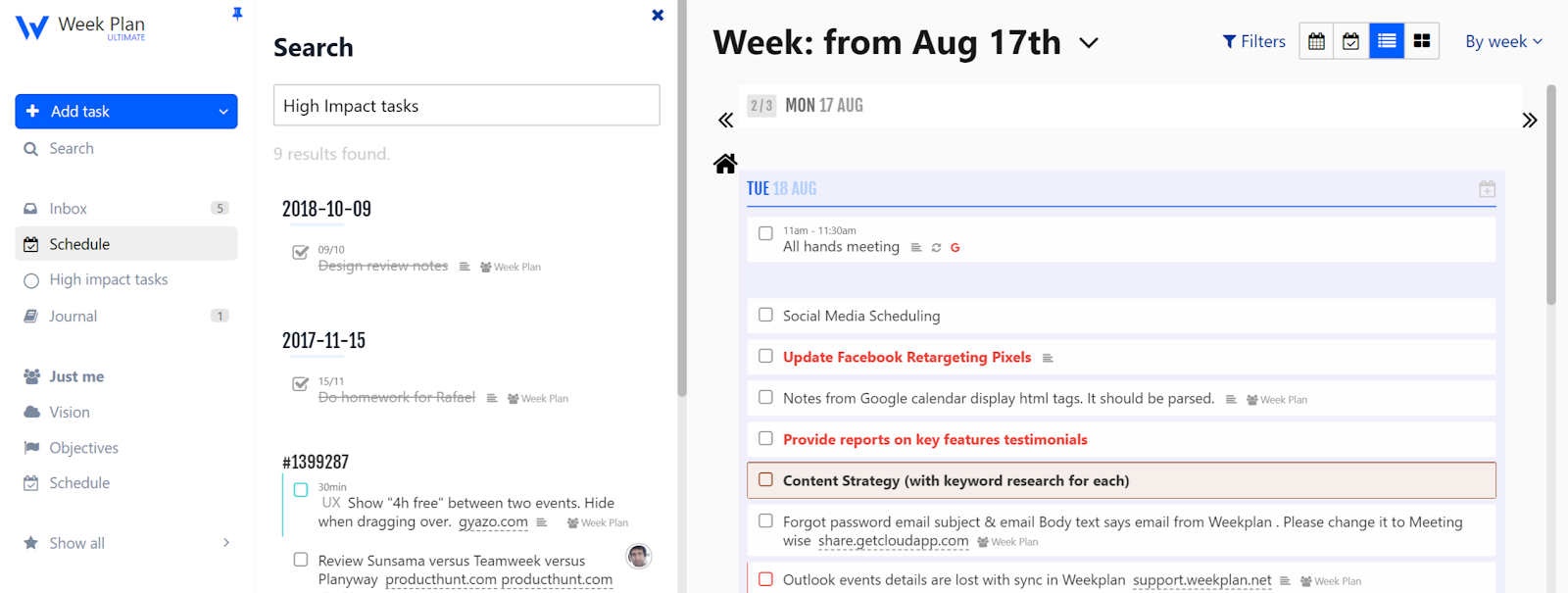
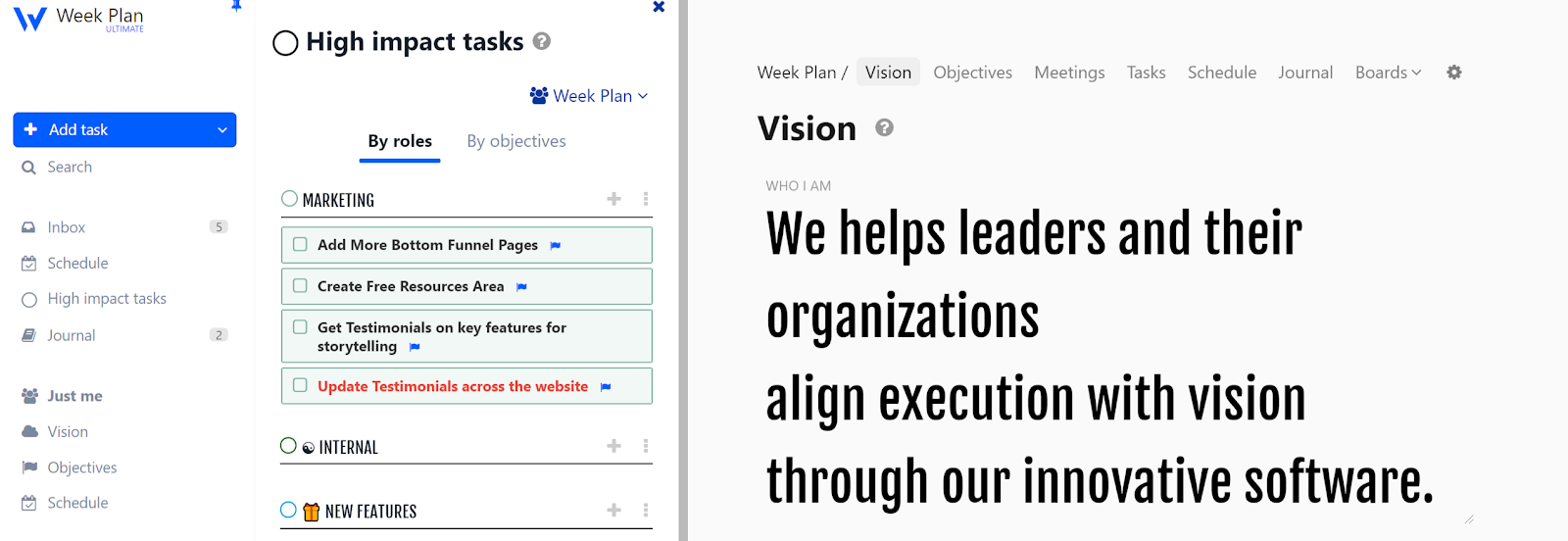
HITs are a list of high impact tasks that you plan on achieving for a week. They usually come from the top items in your Backlog but can also come directly from the Inbox, and each HIT should be assigned a specific date to ensure timely completion. HITs help you progress on each of your objectives or role vision. The HITs can be grouped either by roles or by objectives.
Weekly Review
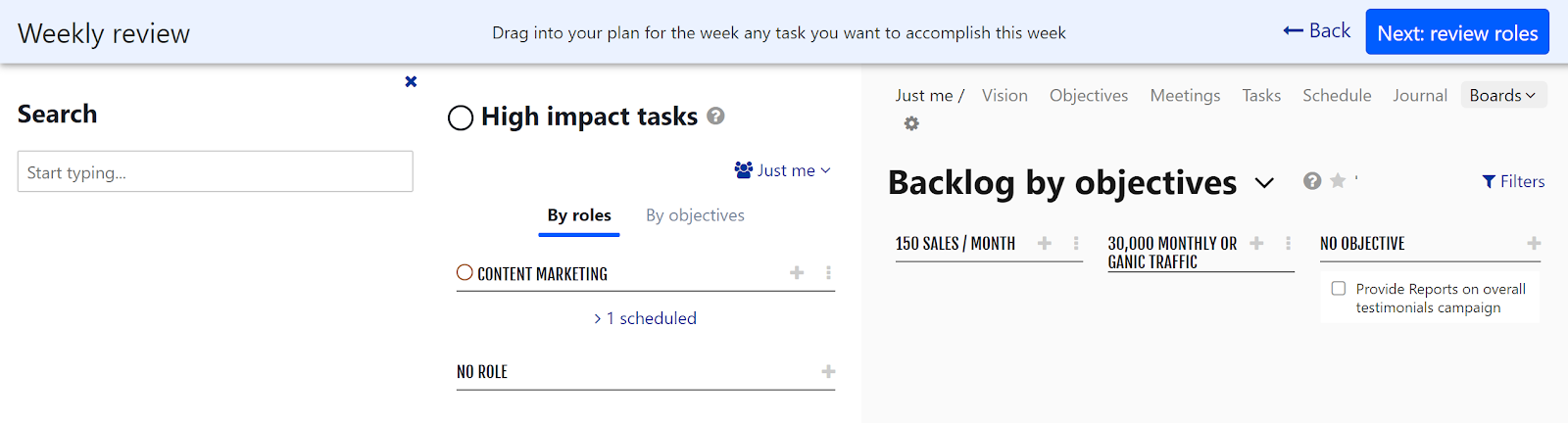
Week Plan lets you build up your plan for the week and schedule your priorities into your week. It’s a step by step process of formulating your week’s HITs. It allows you to review your objectives and backlog of tasks associated with those, review your roles and backlog associate, review your boards, and finally schedule the plan of the week into the week, keeping yourself organized and on track through regular reviews.
Weekly Summary
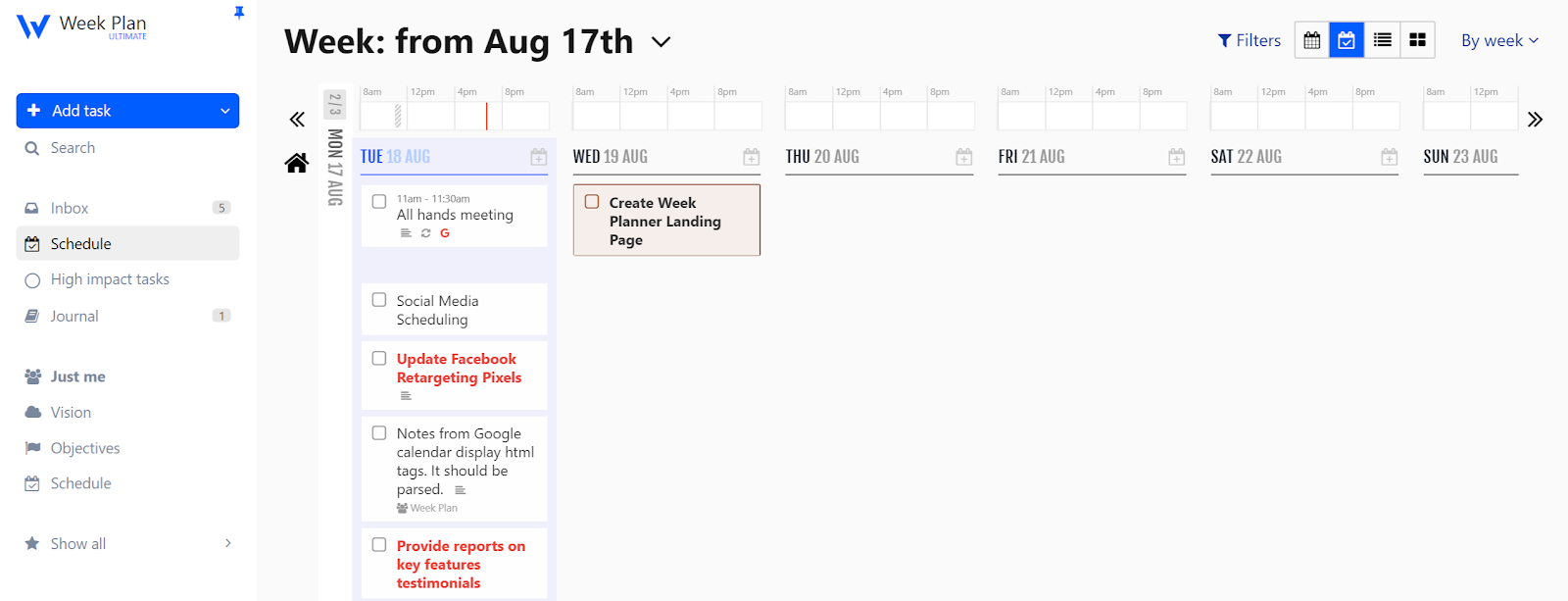
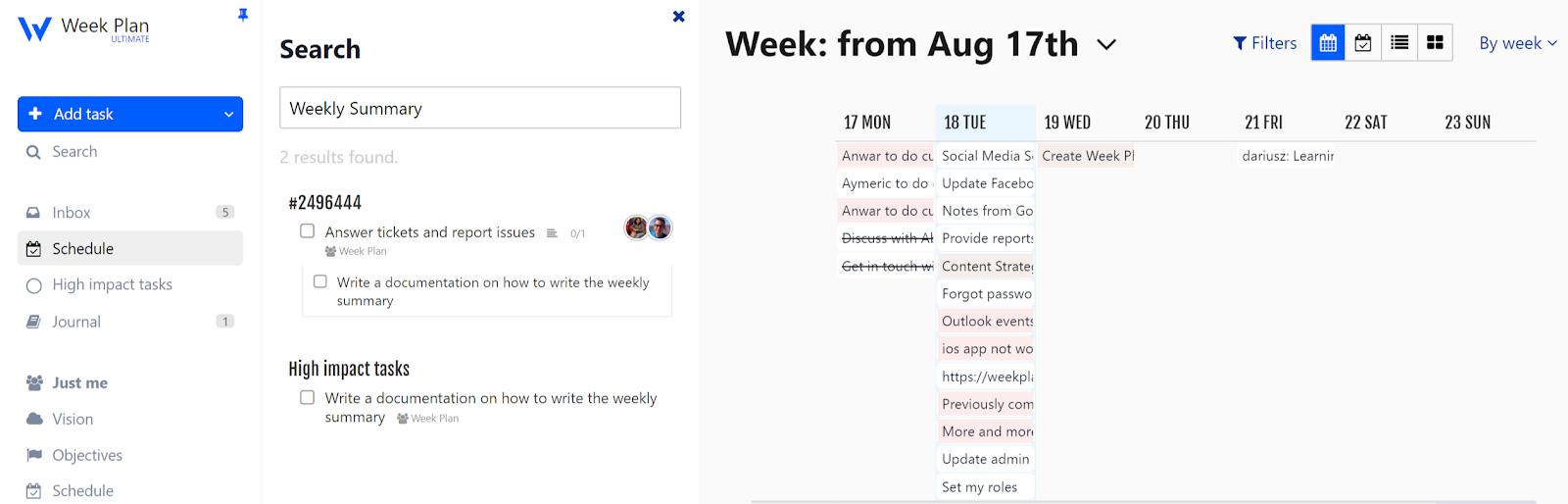
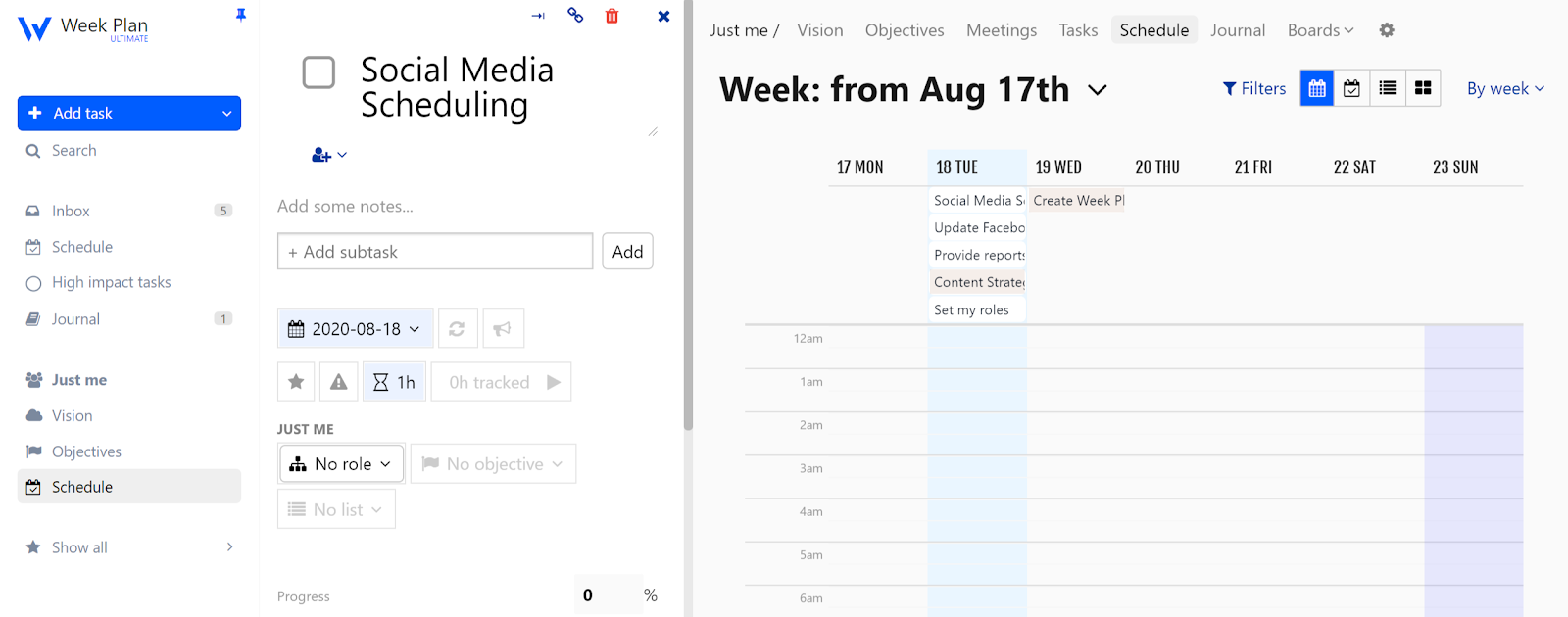
Our weekly planner app is designed to facilitate comprehensive task scheduling for your team throughout the week. WeekPlan allows you to get a holistic picture of how your team’s week would look like. It also allows you to rearrange the week at any stage to shift focus where needed. You can have a complete bird’s eye view of the week using multiple formats such as calendar view, planner view, list view, and quadrant view.
Monthly Calendar View
A monthly calendar view is an essential component of any planner, providing a comprehensive overview of the month ahead. This feature allows you to see all your important events, appointments, and deadlines in one place, making it easier to plan and stay organized. With a monthly calendar view, you can:
-
Get a bigger picture of your month and plan accordingly
-
Keep track of important events, birthdays, and anniversaries
-
Schedule appointments and meetings with ease
-
Plan your daily and weekly tasks with a clear understanding of your monthly commitments
-
Make the most of your time and stay on top of your to-dos
-
For school, easily track assignments, exams, and extracurricular activities, making it ideal for students managing their academic schedules
By having a monthly calendar view, you can ensure that no important event slips through the cracks. It helps you stay organized and manage your schedule effectively, allowing you to focus on what truly matters.
Benefits of Using Our Weekly Planner App
The feeling when the plan goes the way you want is something most managers and entrepreneurs yearn. Most leaders don’t need to conceive that having a weekly planner app is good. Having a great plan is the only key to doing great things. Here are some boons for having the software:
Discover all the ways the app can improve your productivity and help you stay on top of your goals.
Using a weekly planner app can also serve as a source of inspiration, helping you stay motivated and organized.
Learn more about effective weekly planning strategies and how to get the most out of the app.
Enhanced Productivity
Week Plan helps break the status quo of working late. It helps you become productive by aligning your focus on the right things, dictating your energy towards chores that are important, and yield maximum results.
Work-Life Balance
It is said that plan your week or die, ever wondered why? Failing to plan for the future in advance can prove to be a strong candid leading to stress. Our weekly planner app can help you eliminate this unwanted stress; not only you'll be able to strike a perfect balance between your work and personal life, but you'll also eradicate the chances of severe health and physical implications.
Tasks Prioritization
Having a weekly planner in place helps you identify what tasks to focus on and the ones that can be put on hold. You'll have a clear understanding of what aspects of your work contribute significantly and which ones contribute very little to overall success. The Pareto Principle states that “80% success comes from 20% tasks” Week Plan will help identify those 20% tasks and fixate your focus on tasks that will help you move forward.
Be Aware Of What's Cooking
Entrepreneurs need to pay attention to every small detail, and it is not wrong to say that most of them could've been missed out when not noted down. The weekly planner helps you jot down these tasks that demand your attention as you progress through the week.
Workflow Optimization
Managers and Entrepreneurs are usually occupied with juggling tasks throughout their week, this is why it is crucial that they allocate sufficient time to every task. Our weekly planner app helps you optimize your workflow so that you spend adequate time on every task. It provides you with insights so that you can strategically plan your time and efforts.
Choosing the Perfect Planner
Choosing the perfect planner can be a daunting task, especially with so many options available. You can explore a collection of planners featuring various designs, sizes, formats, and layouts to match your preferences and needs. However, with a few simple considerations, you can find the perfect planner to suit your needs. Here are some tips to help you choose the perfect planner:
-
Determine your planning style: Do you prefer a daily, weekly, or monthly view? Do you like to plan in detail or keep things simple?
-
Consider your lifestyle: Are you a busy professional, a student, or a stay-at-home parent? Do you have a lot of appointments or meetings to keep track of?
-
Think about your goals: What do you want to achieve with your planner? Do you want to stay organized, increase productivity, or reduce stress?
-
Look for a planner that fits your style: Do you prefer a paper planner or a digital one? Do you like bright colors and fun designs or a more minimalist approach? There are many stylish planners available that combine aesthetics with functionality.
-
Check the features: Does the planner have monthly tabs, a weekly spread, and space for notes and to-dos? Are there any additional features that are important to you, such as a pocket for storing receipts or a section for goal setting?
By considering these factors, you can find the perfect planner to help you stay organized, focused, and inspired. Whether you’re looking for a daily planner, a weekly planner, or a monthly calendar, there’s a planner out there that’s right for you. Take time to explore different planner collections to find the one that best suits your needs.
Effective Planning Strategies
To get the most out of your weekly planner, it’s important to use effective planning strategies that help you stay on track and achieve your goals. Start each week by setting clear objectives and breaking them down into smaller, actionable tasks. Setting a successful routine requires a structured planning session, preferably on weekends. Use your planner to schedule these tasks, making sure to leave some space for unexpected events or last-minute activities. Leaving buffer time in your schedule allows for flexibility to handle unexpected disruptions without guilt. Prioritizing your to-dos is key—focus on the most important tasks first to ensure you’re making progress where it matters most.
Color coding your tasks can make your planner more visually organized and help you quickly identify different types of activities, such as work, personal, or family events. Creating a checklist for each day or week allows you to track your progress and stay motivated as you check off completed items. Don’t forget to make notes and reflect on your accomplishments at the end of the week—this can help you adjust your strategy and improve your planning for the future. For example, you might dedicate a block of time each morning to focused work, or use your planner to group similar tasks together for greater efficiency. Many online tools, such as Google Calendar, offer features to help manage weekly schedules, including task tracking and event synchronization. By consistently applying these strategies, you’ll find it easier to stay organized, manage your time, and reach your goals.
Proactive Planning with Our Weekly Planner App
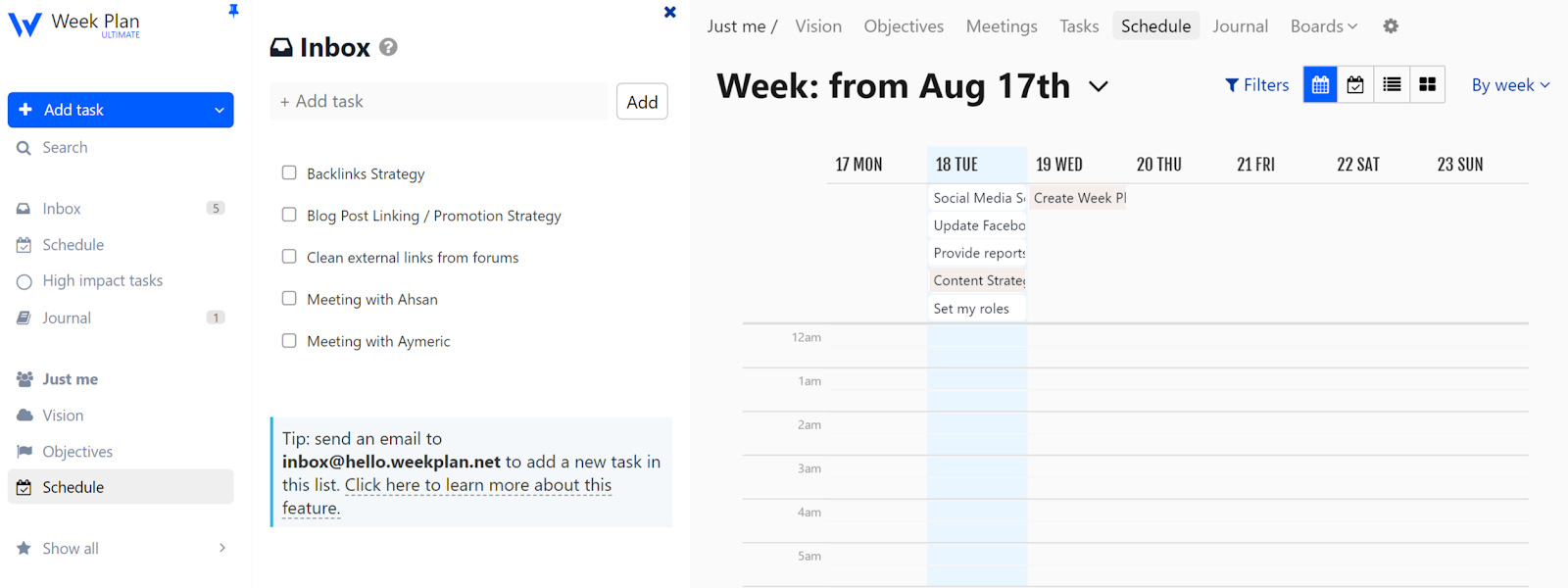
The variety of planners available, including our weekly planner feature, is like a holy grail of time management for managers and entrepreneurs. Knowing your plans in advance is always a good place to start. With the big picture in mind, not only you’ll work proactively towards your goal, but you will also know what tasks will bring you one step closer to the final goal. Our weekly planner app helps leaders and managers answer questions such as:
-
What plans did you achieve this week?
-
What challenges have you encountered with your plans?
-
What do you plan to do next week?
Focus Timer
Our weekly planner app has an integrated focus timer to track the time spent by your team on the assigned tasks. For 25 minutes, the timer is in focus mode, where you should be working only on that particular task. Then you will have 5 minutes of rest. This is inspired by the Pomodoro technique which will help you focus more while feeling more refreshed thanks to proper resting time.
Day Summary
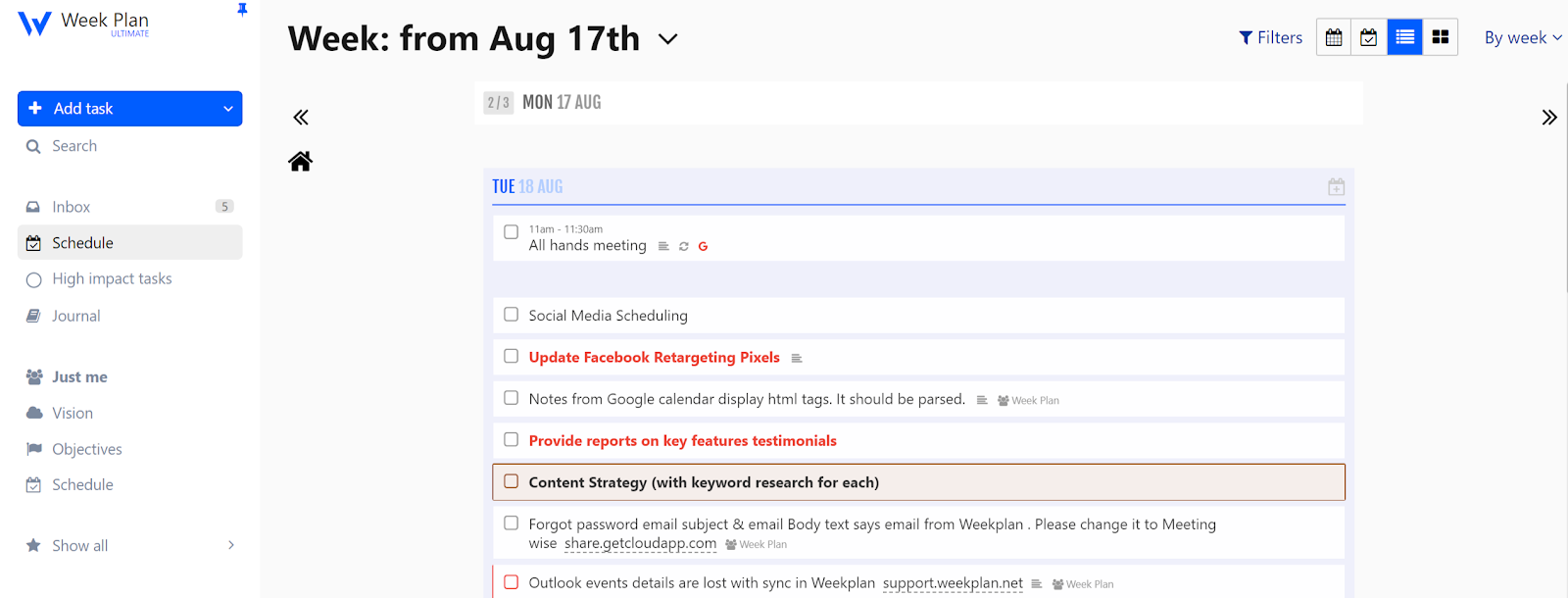
The day summary feature is specially designed for people who want reporting on a granular level. The day summary gives you a brief about what's on your plate for the day. It's always good to have adequate information about what needs to be done in a day so your weekly planning is not jeopardized. This will help you stay focused and track your performance according to the estimates made. Reviewing your day's summary will help you rearrange and focus on the weekly goals you are falling short on.
Goals and OKRs
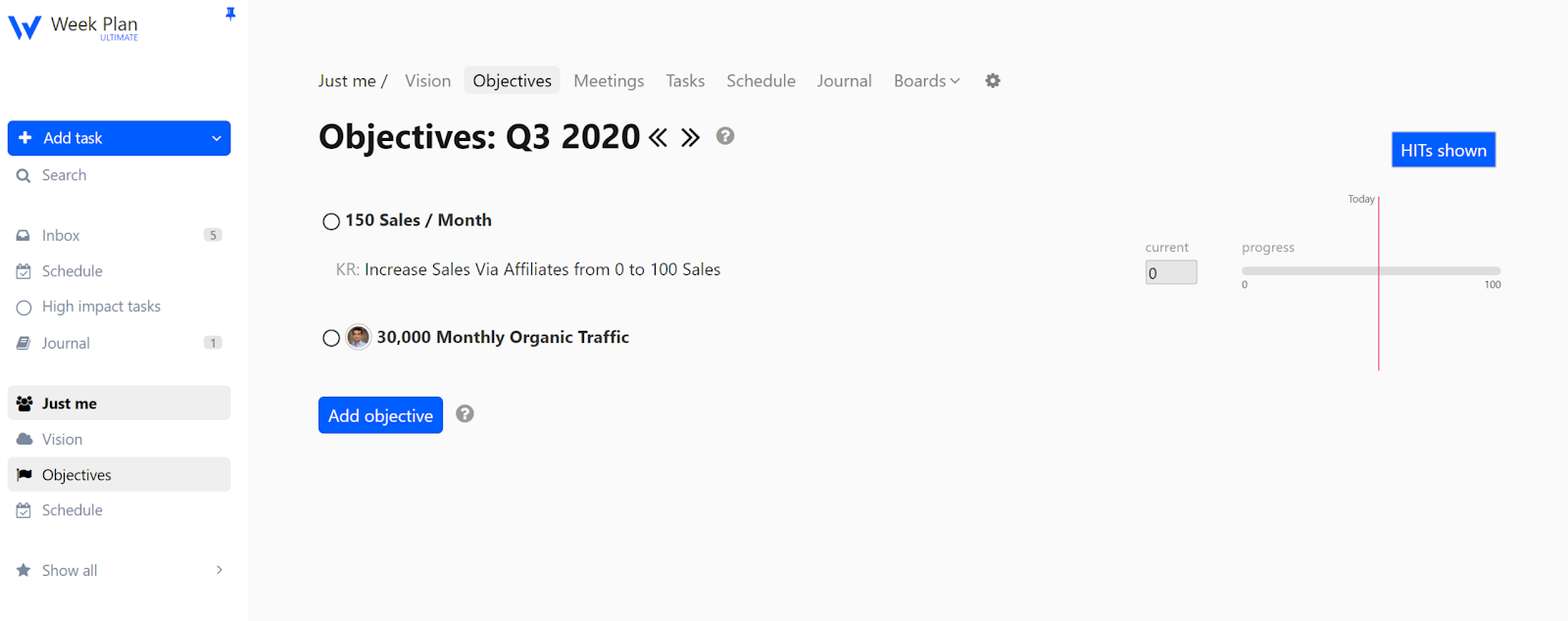
Our weekly planner app helps you set objectives and associated key results that you want to achieve during the week. To manage weekly goals, Week Plan adopts the OKRs methodology. It is a well-known goal management methodology you can read about online. An Objective is like a goal. It should be something difficult to achieve but not impossible, something you have about a 70% chance of success. Each Objective has Key Results, the things you will track to show the progress towards the Objective.
Customization Options
One of the greatest advantages of using a weekly planner is the ability to customize it to fit your personal needs and preferences. With free weekly planner templates, you can create a planner that truly reflects your style—whether you prefer a minimalist look or something more colorful and creative.
Personalizing your planner can make the planning process more fun and engaging, helping you stay motivated to use it regularly. Try using different colors on roles to highlight important dates or tasks, or add extra space for notes and reflections. Whether you’re a student, teacher, or working professional, customizing your planner ensures it meets your specific needs and helps you stay organized. By exploring the wide range of customization options available, you can create a planner that not only keeps you on track but also brings a sense of joy and inspiration to your daily routine.
FAQs
1. What is a weekly planner?
The weekly planner by Week Plan is designed to help you plan your weekly tasks and objectives. It is designed to help you stay effective throughout the week and accomplish your set goals.
2. Who can use a weekly planner?
A weekly planner can be used by entrepreneurs, managers, and businesses to be more effective with their tasks, objectives, and goals.
3. Why use a weekly planner app?
With a weekly planner app in place, you can save and access all your plans and goals with a few clicks on a centralized platform. It not only helps you to keep away from writing everything on paper and taking care of them but also ensures that you have organized data of each project that can be accessed whenever required.
4. Does Week Plan offer a free trial?
Yes, Week Plan offers a free trial of 7 days.
5. Does Week Plan offer integrations with other platforms?
Week Plan has Android, iOS, Chrome, Mac OS, and Windows app so that you can make the most of the tool. Apart from these standalone integrations, Week Plan offers customer integrations via Zapier and its API as well.