The Ultimate Weekly Planning System for Busy Professionals (2026)
Published: May 21, 2026
You know the feeling. Sunday evening hits and there's a quiet dread about the week ahead. Monday morning arrives and you're immediately drowning in emails, Slack messages and meetings you didn't plan for. By Friday, you've been busy every single day - but you can't point to one meaningful thing you actually moved forward.
The problem isn't effort. It's the absence of a weekly planning system.
This article gives you a complete, repeatable weekly planning system - not a list of tips. A proper framework you can run in under 45 minutes, every week, that connects your goals to your calendar and keeps you focused on work that actually matters.
A weekly planning system is a structured process of reviewing your goals, setting priorities and organising your tasks every week before the week begins.
What Is a Weekly Planning System (And Why Most Professionals Don't Have One)
A weekly planning system is a repeatable routine you follow once a week to bridge the gap between your long-term goals and what you'll actually spend your time on over the next seven days.
It's not a to-do list. It's not a calendar full of meetings. It's a deliberate process where you step back, look at the big picture, choose a small number of things that truly matter, and block real time for them.
Research backs this up. A study published in Harvard Business Review found that knowledge workers who deliberately planned their priorities outperformed those who worked reactively - not because they worked more hours, but because they spent those hours on higher-value tasks.
So why don't most professionals have one?
Because most people default to reactive work. You wake up, open your inbox, respond to what's there, attend the meetings on your calendar, handle whatever fires come up, and by 6pm the day is gone. Multiply that by five and your week disappears.
The weekly planning system below is designed to break that cycle - permanently.
The 5-Step Weekly Planning System
This framework takes about 30–45 minutes once a week. It's simple enough to stick with long-term, but structured enough to handle a demanding professional schedule.
Step 1 - Review Your Goals and Roles
Before you write a single task, zoom out.
Start with the big picture: what are your goals this month, this quarter? And what are the key roles you play - manager, individual contributor, founder, parent, partner?
Under each role, identify one or two outcomes that matter right now. For example:
- Team lead → "Unblock the design team on Project X."
- IC → "Ship first draft of the Q2 strategy doc."
- Personal → "Exercise three times this week. One fully offline evening."
Then ask: which of these genuinely need progress this week? Circle three or four.
If you use a weekly planner that supports goals and roles, this step takes about five minutes - you're simply reviewing what you've already set up and asking "what matters now?"
Practical tip: do this review before you open your inbox or check messages. It anchors the rest of your planning to your priorities, not someone else's.
Step 2 - Do a Weekly Brain Dump
Now switch from big picture to ground level.
Get everything out of your head: tasks, ideas, commitments, follow-ups, worries. All of it. Open a blank page or an inbox list in your weekly task manager and just write.
- Work tasks and deadlines
- Meetings and calls
- Messages you owe people
- Personal admin and errands
- Ideas you keep meaning to act on
Don't organise. Don't prioritise. Just capture.
This isn't busywork - it's science. Research on cognitive load shows that every unfinished task your brain is holding onto generates low-level mental tension. Getting those open loops into a trusted external system - your planner, a notebook, anything - frees up working memory so you can actually think clearly about what matters.
When you think you're done, ask "What else?" two or three times. The important but non-urgent tasks often surface on the second or third pass.
Step 3 - Identify Your High Impact Tasks (HITs)
From your brain dump, you now separate what's truly important from the noise.
Pick 3–5 High Impact Tasks (HITs) for the week. These are the tasks that, if completed, would make the week a clear success - even if nothing else got done.
Use the Eisenhower Matrix as a quick filter: separate tasks that are important from tasks that are merely urgent. Most of your inbox and most meeting follow-ups are urgent but low-impact. Your HITs live in the "important, not yet urgent" quadrant - the work that moves your goals forward but nobody is screaming about yet.
As James Clear writes in Atomic Habits: success is less about doing more things and more about doing the right things consistently. That's exactly what the HIT approach enforces - fewer, better tasks, chosen deliberately.
Mark your HITs clearly. Star them, highlight them, move them to a separate list. Three to five is the sweet spot. If you've picked eight, you haven't prioritised - you've just renamed your to-do list.
Step 4 - Block Your Week on a Calendar
Now you turn intention into time.
Open your calendar and your weekly planner side by side. You're going to assign every HIT to a specific day and time slot:
- Fixed commitments first. Meetings, appointments, hard deadlines - anything you can't move.
- HITs next. Drop each one into a specific block: "Tuesday 9:30–11:00 - Draft strategy doc."
- Batch similar tasks. Group email, admin, and quick replies into one or two blocks instead of scattering them across the day.
- Leave buffer. Aim for at least 20–30% of your working hours unscheduled. Most plans fail because there's zero slack for the unexpected.
- Match tasks to energy levels. Put deep work when you're sharpest - usually mornings for most people - and stack calls, admin and lighter tasks in your lower-energy slots.
Inside a weekly task manager, you can drag your HITs directly into a week view. That visual layout makes overcommitment immediately obvious - you can fix it now instead of discovering it on Wednesday.
Step 5 - Do a Weekly Review Every Friday
A weekly planning system without a review is just a to-do list you write on Sundays.
Every Friday (or whenever your work week ends), spend 15–20 minutes reflecting:
- What got done? What didn't?
- Which HITs were completed? Which slipped?
- What pulled you off track?
- What would you do differently next week?
Carry forward anything incomplete on purpose, not by default. If a task has rolled forward three weeks in a row, it either needs to be broken into smaller pieces, rescheduled with proper time, or dropped entirely.
Over time, this review builds a feedback loop that makes your entire weekly planning system more accurate. You'll learn how many HITs you can realistically handle, which days are always heavier than you think, and where your time estimates consistently miss.
As MindTools notes, regular reflection is what separates productive people from merely busy ones. The weekly review is where that reflection lives.
When Should You Do Your Weekly Planning?
Two windows work best for most professionals, and there are real trade-offs to each.
Sunday evening works if you like to start Monday already in control. You sit down for 30–45 minutes, run through the five steps, and walk into Monday with a clear plan. The downside: if you're prone to Sunday anxiety, it can pull work thoughts into your weekend earlier than you'd like.
Monday morning works if you want to keep weekends completely clear. Block the first 30–45 minutes of Monday as a non-negotiable meeting with yourself. The risk here is that email, Slack and meetings will try to invade that slot - you have to protect it.
Either way, the session should take 30–45 minutes maximum. Any shorter and you're probably not thinking deeply enough. Any longer and the system becomes a chore you'll eventually drop.
To make it stick, use habit stacking: attach your weekly planning session to something you already do consistently. A specific coffee, a particular playlist, or a recurring calendar block all work. The goal is to make it automatic so it doesn't require willpower every week.
Common Weekly Planning Mistakes to Avoid
Even a good weekly planning system can break down if you fall into these traps.
- Planning too many tasks. If your week has twelve "top priorities," you don't have any. The entire point of the system is to force you to choose 3–5 HITs. It will feel uncomfortable at first - that's a sign you're actually prioritising.
- Ignoring energy levels when scheduling. Putting your most important deep work right after three back-to-back status meetings is setting yourself up for shallow, frustrated output. Plan around your energy, not just your calendar.
- Skipping the weekly review. Without it, your system can't improve. You'll repeat the same planning mistakes - overcommitting, underestimating, ignoring buffer time - without ever learning from them.
- Treating the plan as fixed rather than flexible. Your weekly plan is a map, not a prison. When reality changes midweek (and it will), the plan lets you re-prioritise consciously instead of just reacting. That flexibility is a feature, not a failure.
How Week Plan Supports Your Weekly Planning System
If you've read this far, you might be thinking: "Great framework, but where do I actually run this?"
The five-step system maps directly onto how Week Plan is built:
| System Step | How It Works in Week Plan |
|---|---|
| Review goals & roles | Vision → Roles → Goals structure lets you see your big picture before touching tasks |
| Brain dump | Inbox / parking lot captures everything before you schedule it |
| Identify HITs | High Impact Task markers visually separate what matters from noise |
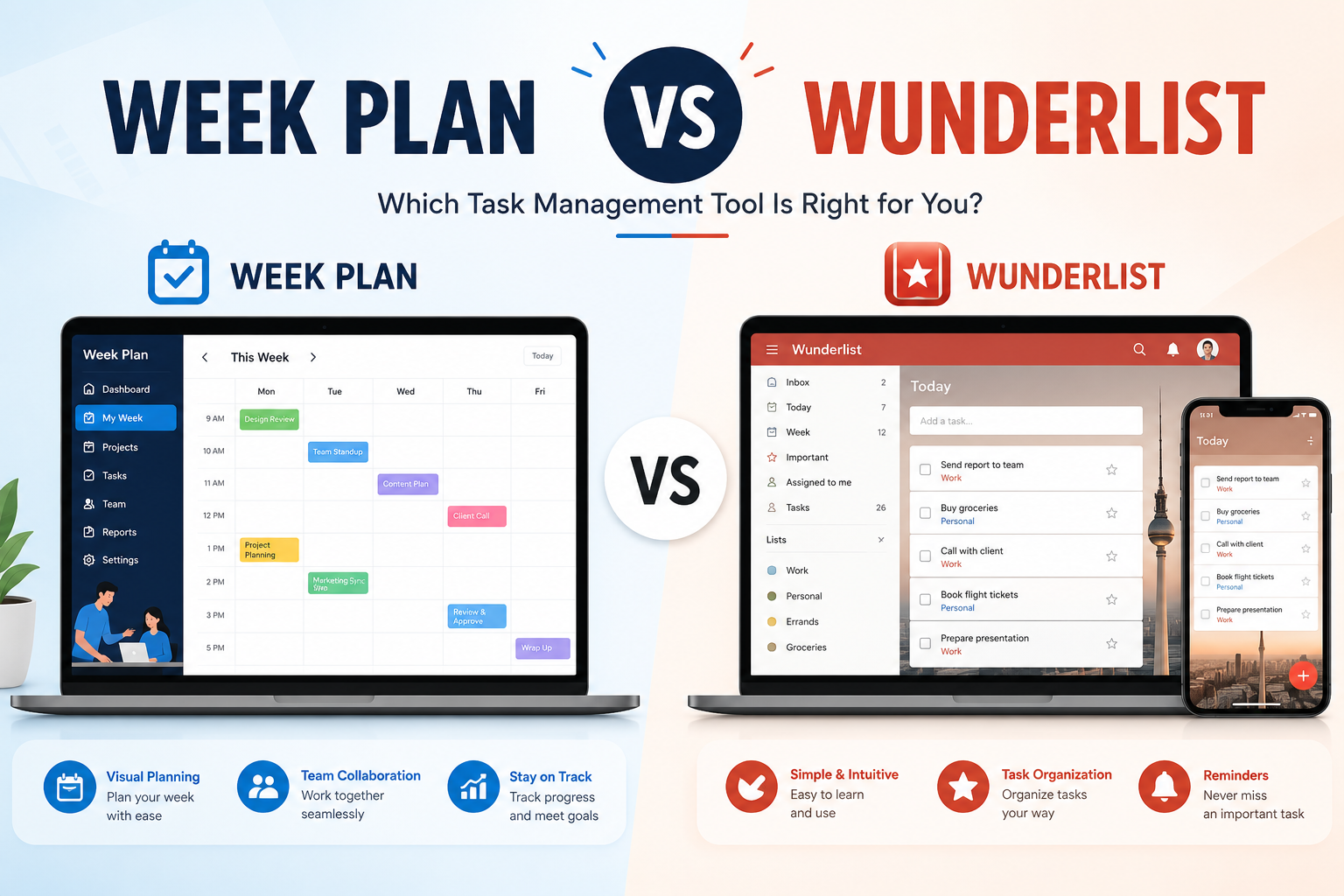
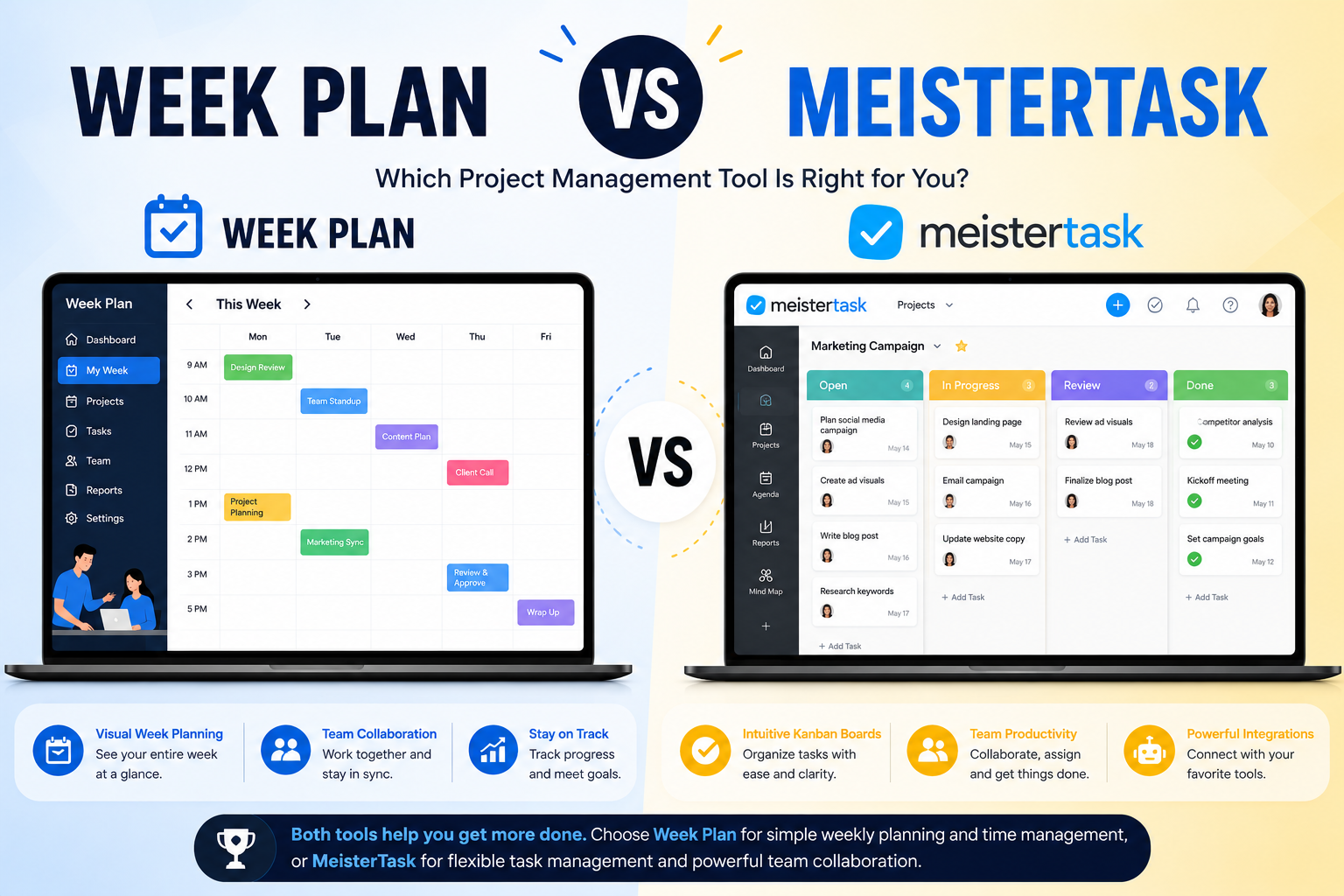
| Block your week | The weekly task manager view lets you drag tasks into specific days |
| Weekly review | Completed vs open task filters show you exactly what happened |
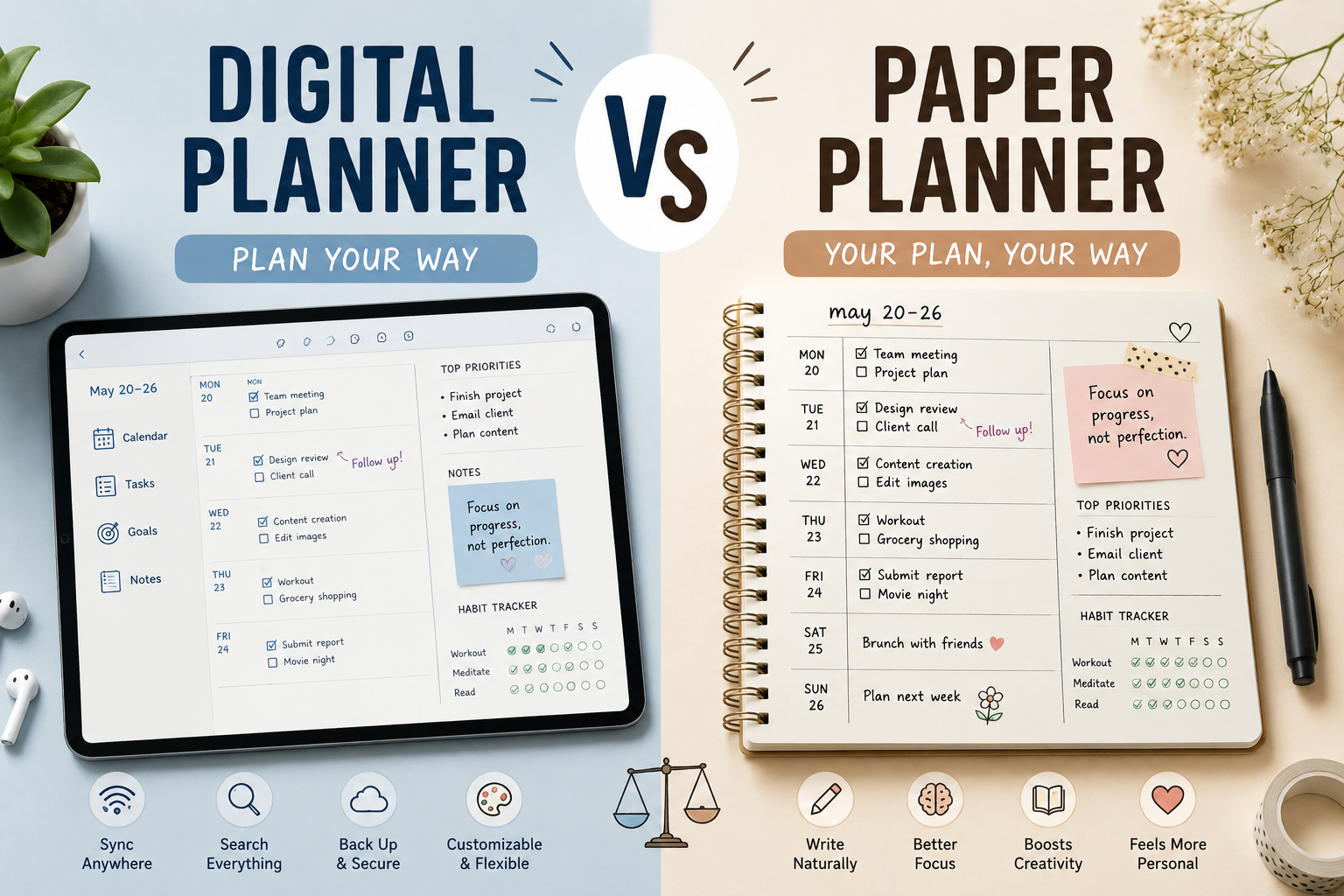
This isn't about forcing a tool on you. You can run this system on paper. But if you want the five steps to live in one place - goals, brain dump, HITs, weekly calendar and review all connected - that's exactly what Week Plan was designed for.
Try Week Plan free for 14 days - no credit card required.
Frequently Asked Questions
What is the best weekly planning system?
A weekly planning system that connects your long-term goals to daily tasks - like the 5-step method above - works best for busy professionals. The key is a system you can repeat every week, not a one-time exercise.
How long should weekly planning take?
Ideally 30–45 minutes. Any longer and the system becomes a burden rather than a tool. With practice and a good weekly planner, most people settle around 30 minutes.
What is the best day to do weekly planning?
Sunday evening or Monday morning work best - before the week's reactive demands take over. Pick whichever you can protect consistently.
What should be included in a weekly plan?
Your top 3–5 high impact tasks, time-blocked calendar, any meetings or commitments, and a brief review of your goals. Everything else is optional.
How is weekly planning different from daily planning?
Weekly planning sets the direction and priorities. Daily planning executes within that framework. Both work best together - the weekly plan tells you what matters, the daily plan tells you what to do right now.
A weekly planning system is not about doing more. It's about doing the right things - consistently, deliberately, week after week.
If you want a more tactical, step-by-step walkthrough with templates and examples, the natural next read is how to plan your week - a practical companion to this framework.
And if you're ready to stop planning on sticky notes and scattered apps, you can set up this entire 5-step system inside Week Plan and run it from one place.